Field appUpdated on 11 August 2026
Add donation
Add donation
Donations taken in person — at an event, on the doorstep — are recorded from the Donors tab so they reach your nation without waiting for someone to key them in later.
- Open Donors and use the add action.
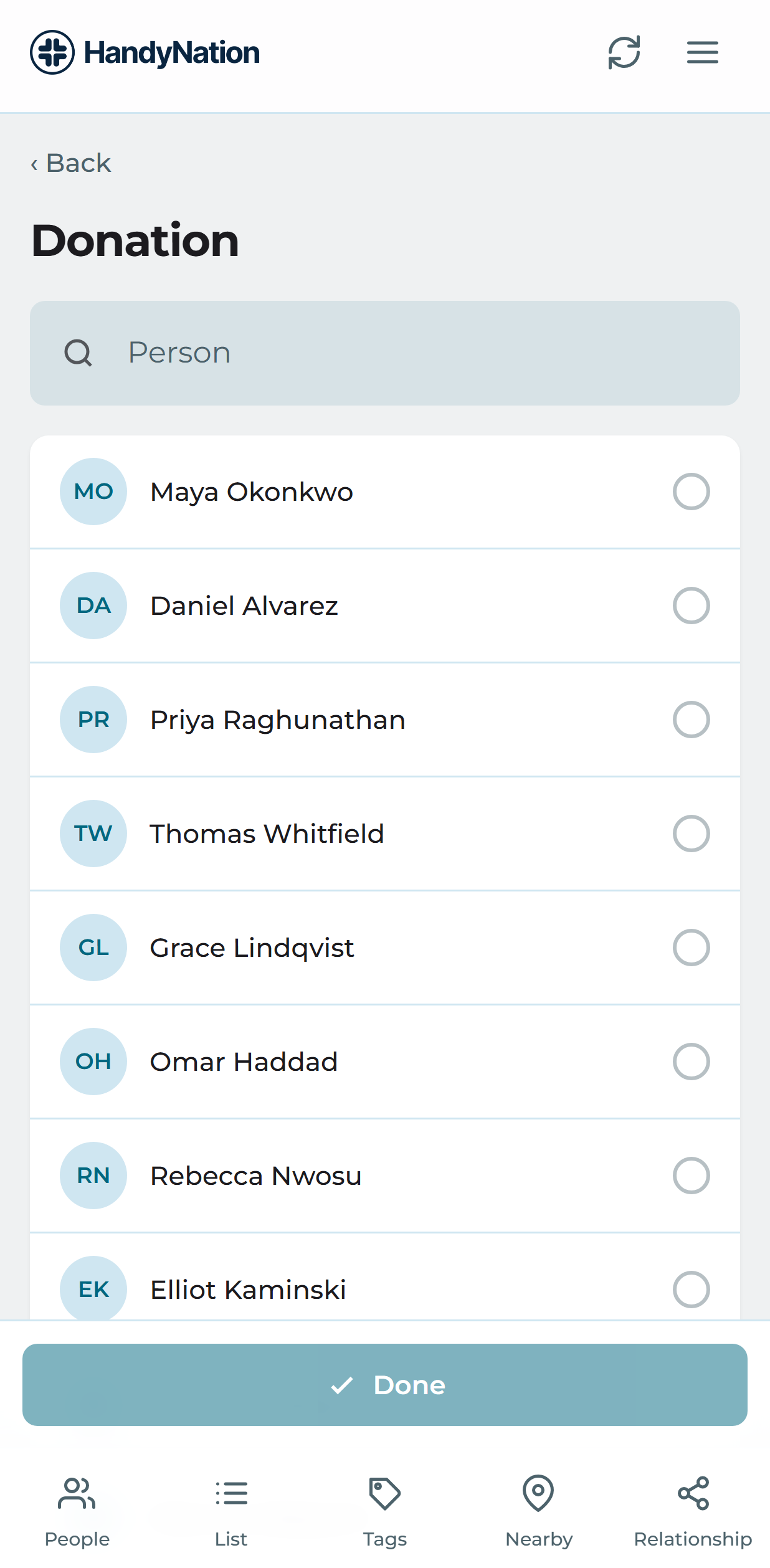
- Find the supporter the donation belongs to. Search by name and pick them from the results.
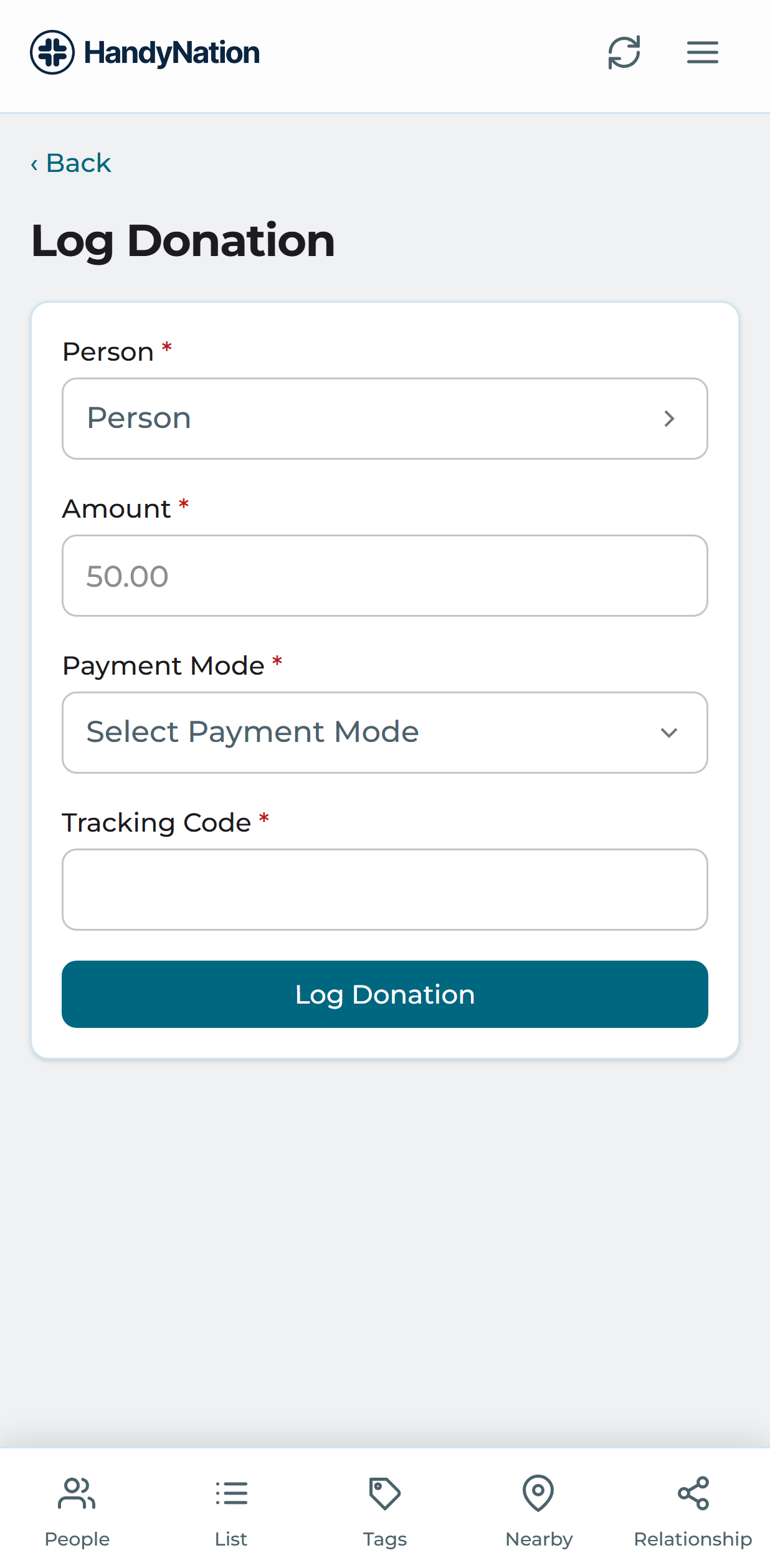
- Enter the amount and choose how it was paid.
- Save. The donation is written to your nation and appears in the donor list.
A donation can also be logged directly from somebody’s profile — see User actions.