Manage user record
Add user
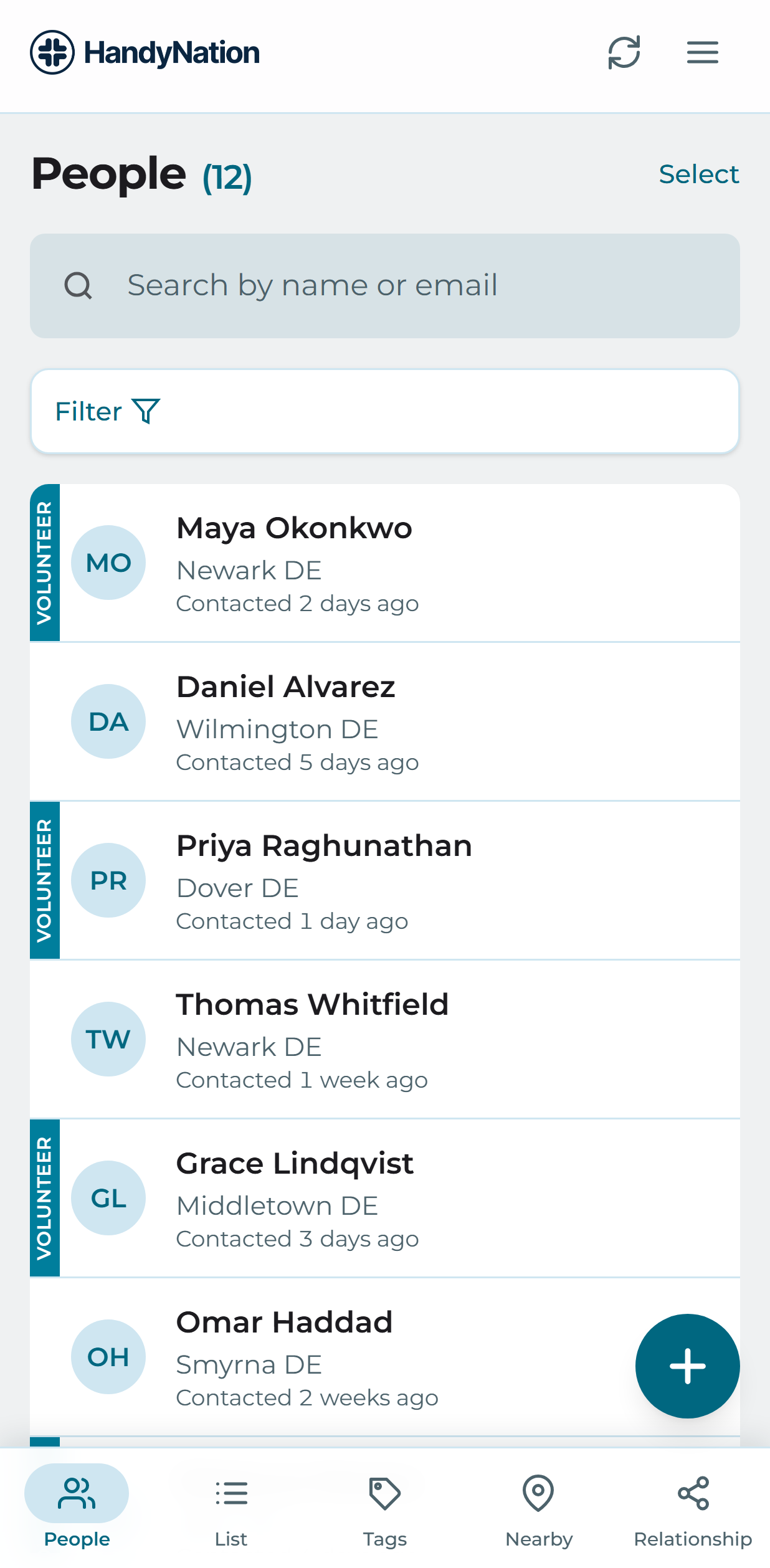
On the People tab, use the add action in the bottom right of the screen.
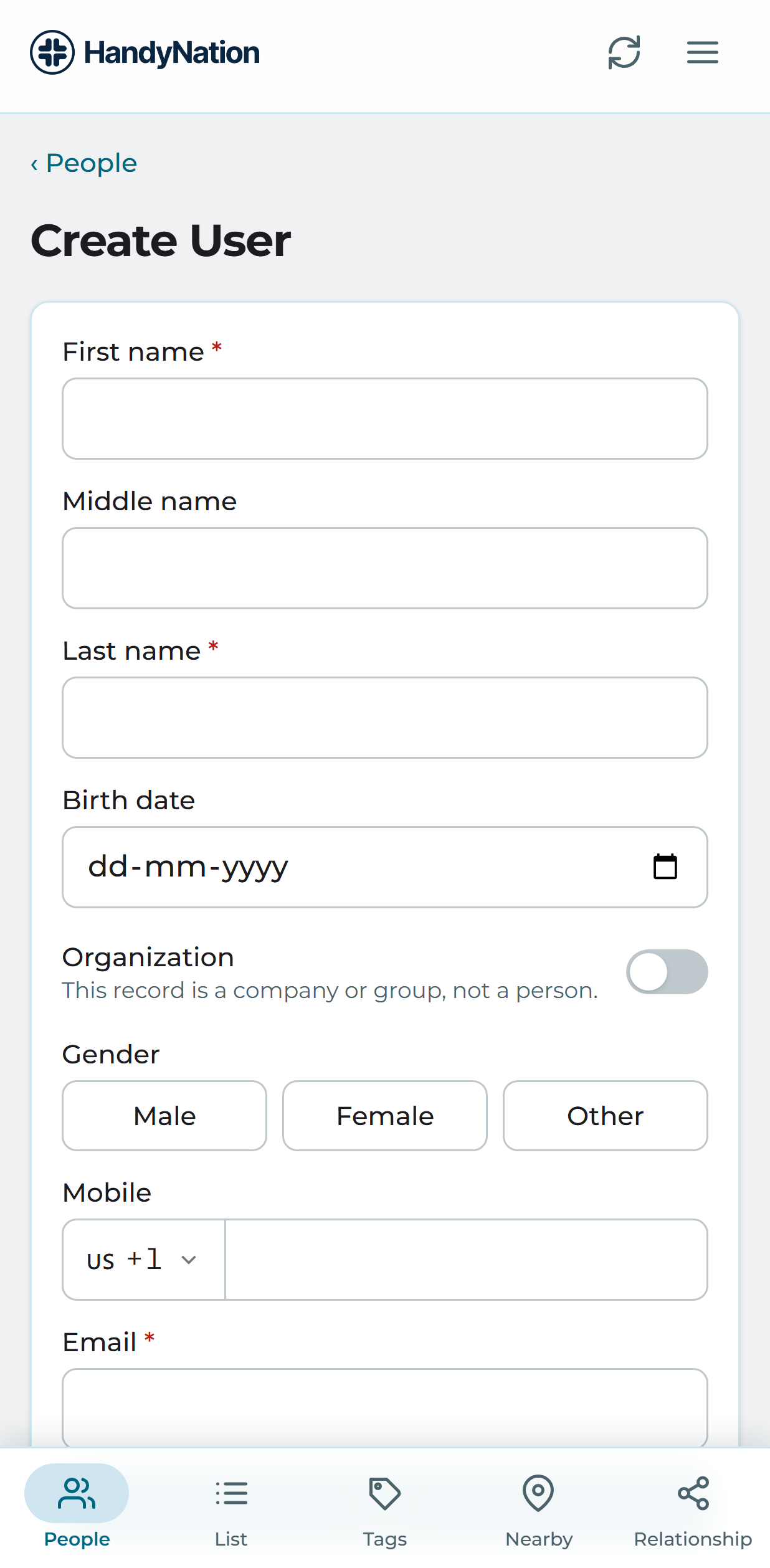
Fill in first, middle and last name and pick a birthdate. Choose whether this record is a person or an organisation, set the gender, add a mobile number and email address, then save. The record is written to your NationBuilder database.
The rest of the detail is added from the profile itself — see the next section.
Edit user
Open somebody’s profile and use the edit action in the top right. That reopens the same form you used to create them.
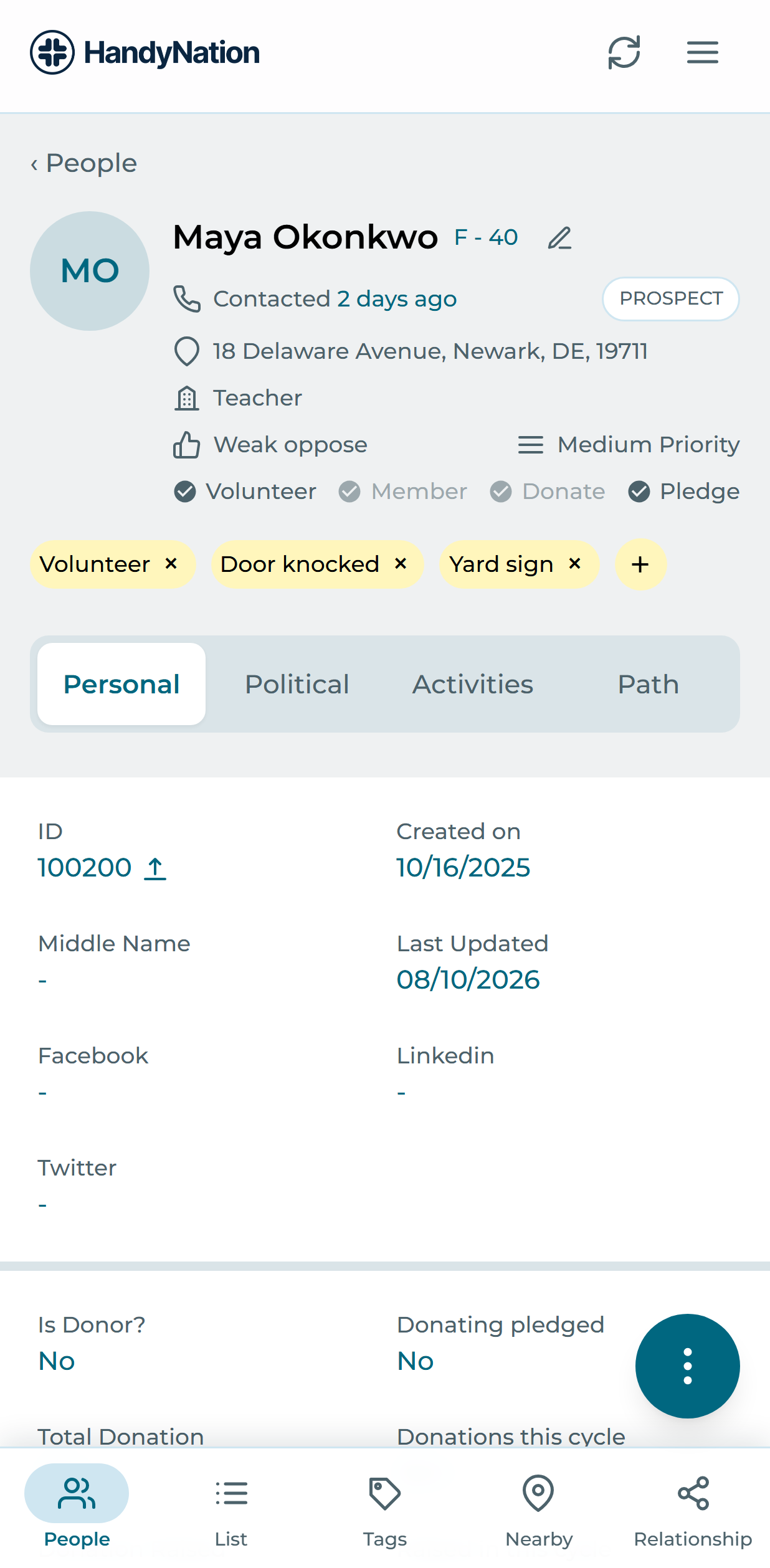
Individual sections of the profile are edited in place, each from its own edit action.
Personal Tab
- Point person and Recruited by. Edit either to open a searchable list of people in your nation, then pick the person you want.
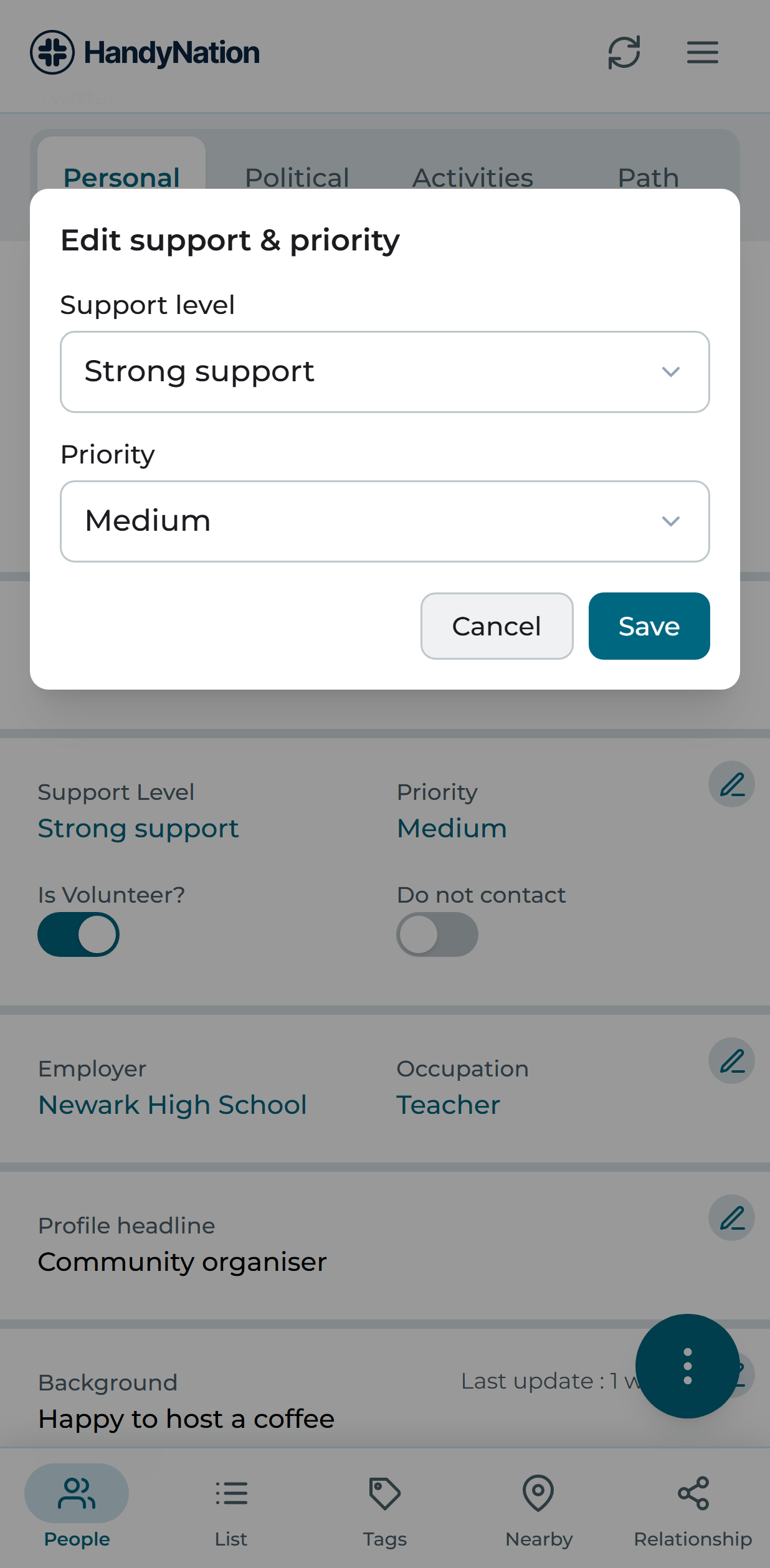
- Support. Volunteer status and do-not-contact are direct toggles. Support level and priority level open a picker.
- Employer. Employer name and related details.
- Profile bio. The person’s headline and biography.
- Notes. Free-text notes about this person.
- Family and religious details. Household and faith fields.
- Email. Several addresses can be held. Mark one as primary, or mark an address bad.
- Phone and mobile. Home, work and mobile numbers, with the option to flag a bad number.
- Addresses. Fill the address by hand, or search from the top of the form to autocomplete it and let the fields populate themselves.
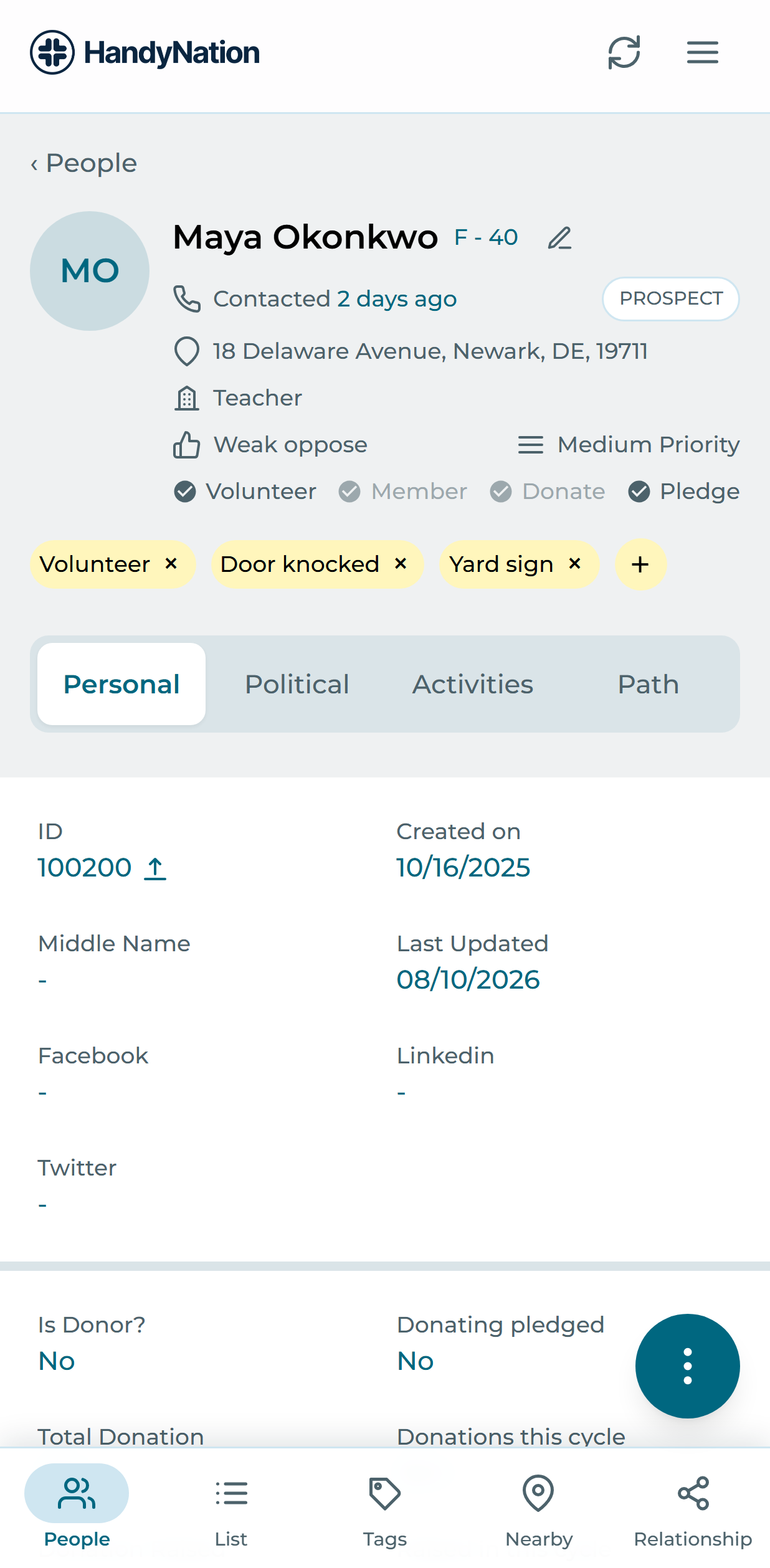
Political Tab
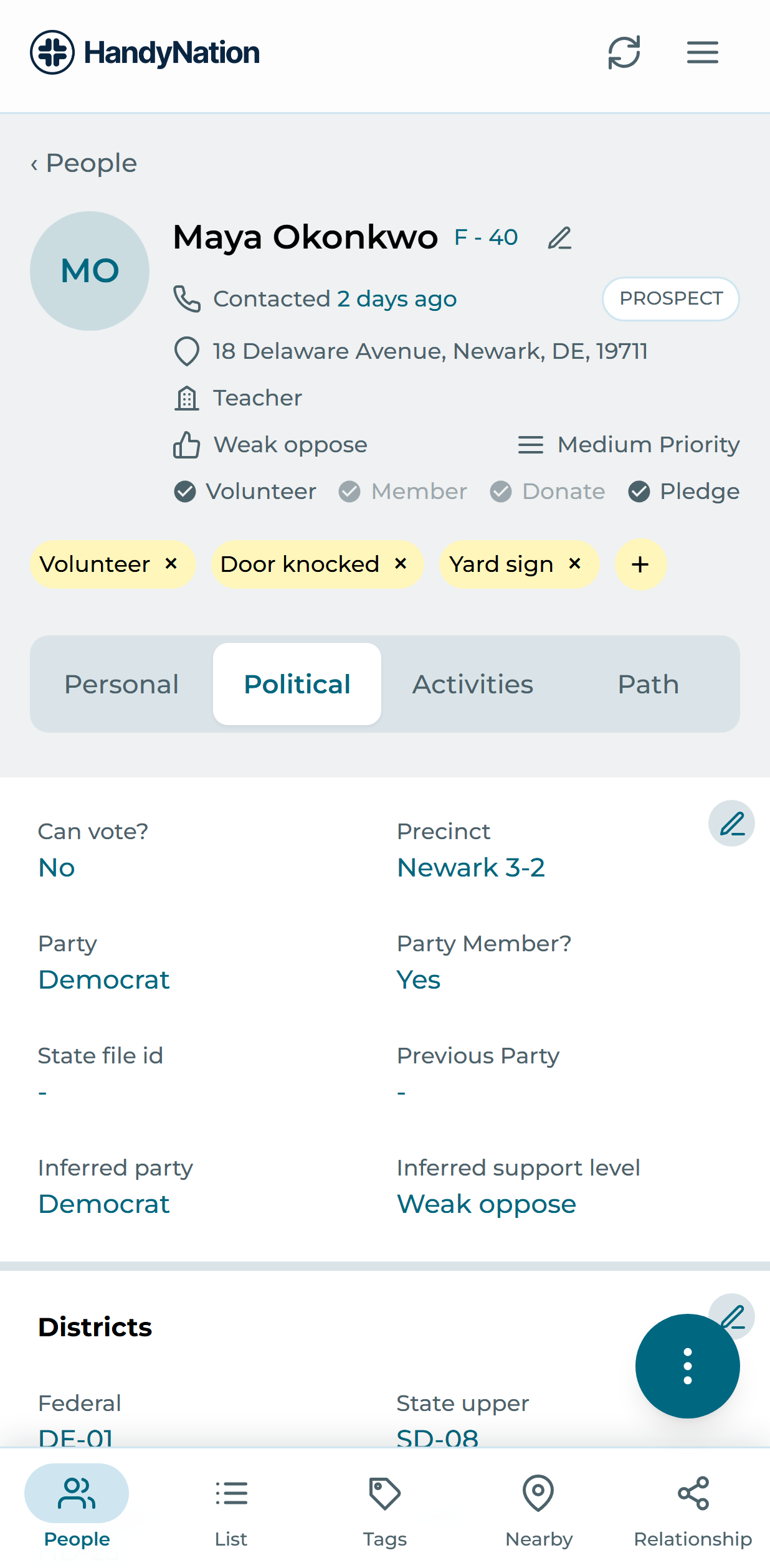
- Voting details. Registration and voting history fields.
- Districts. District assignments. Federal, state upper and state lower districts are shown but cannot be edited — those come from NationBuilder.
- Memberships. Edit a membership from its own action, or add a new one.
- Other identifiers. External ids that tie this record to third-party platforms.
Activities Tab
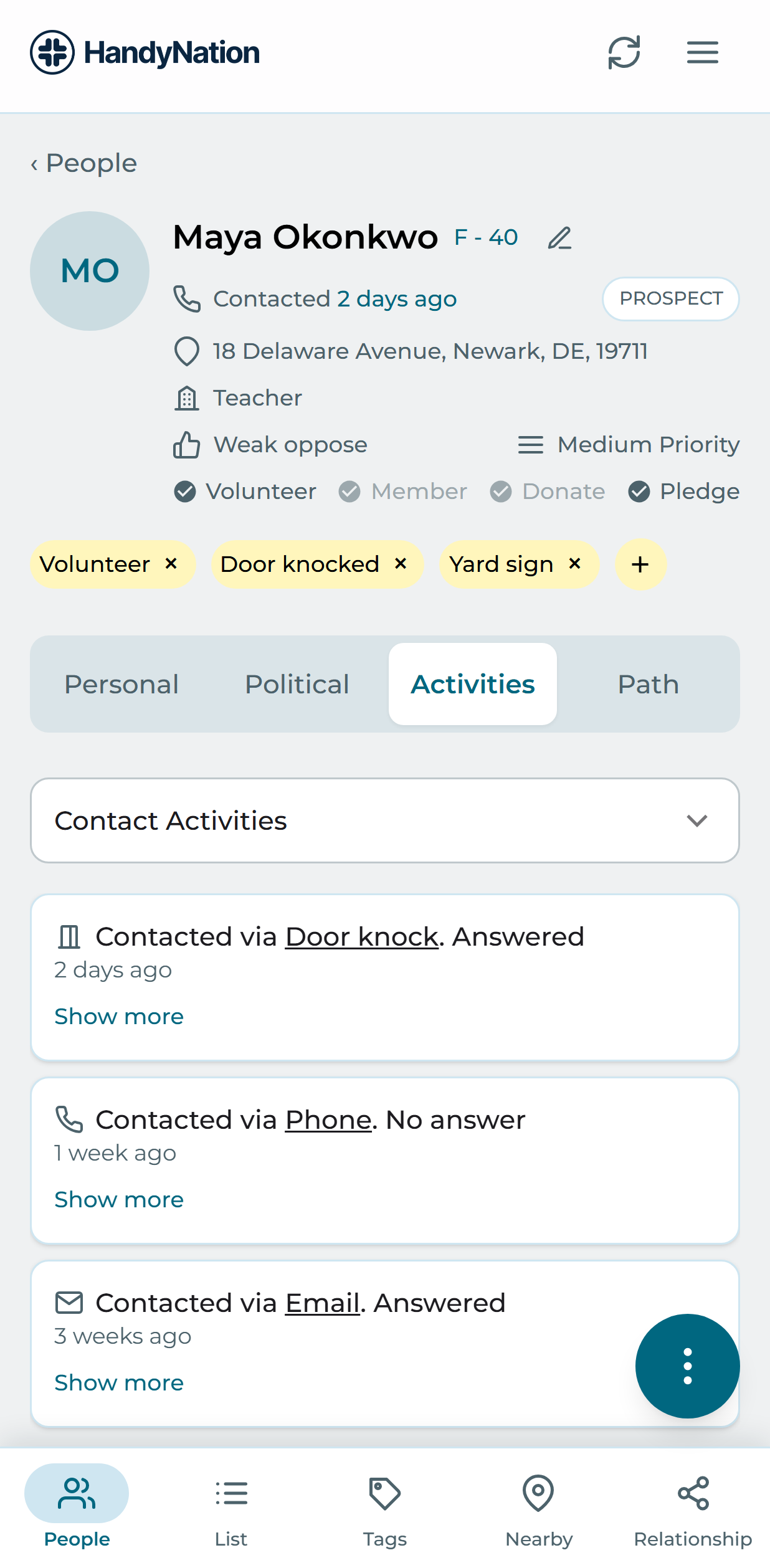
A read-only history: contacts logged against this person, survey responses they have given, and their donations. Which of these appear depends on the permissions granted to you.
Batch operations
Press and hold any person in the list to enter selection mode, then tick everyone you want to act on and choose an action from the top of the screen.
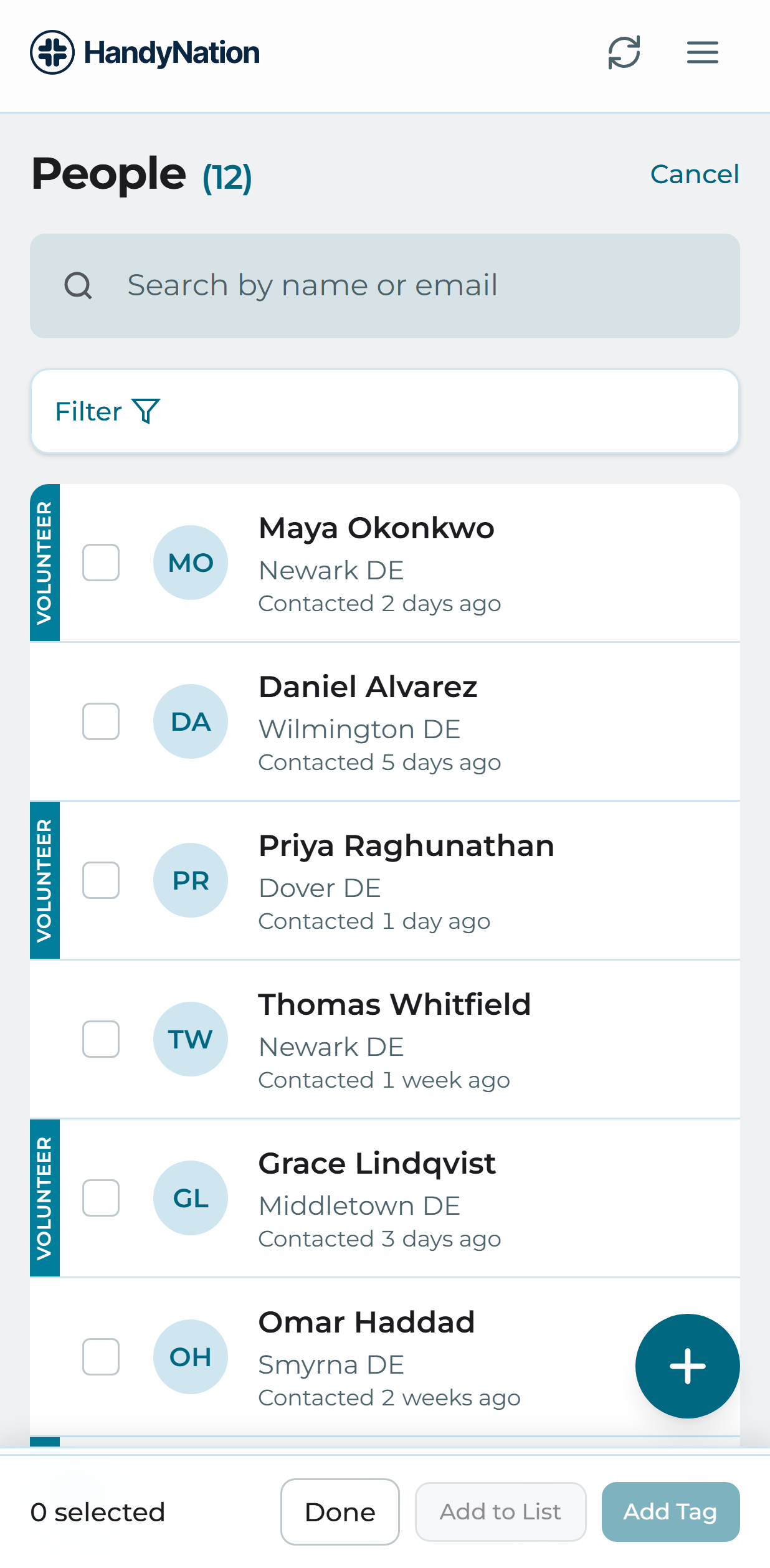
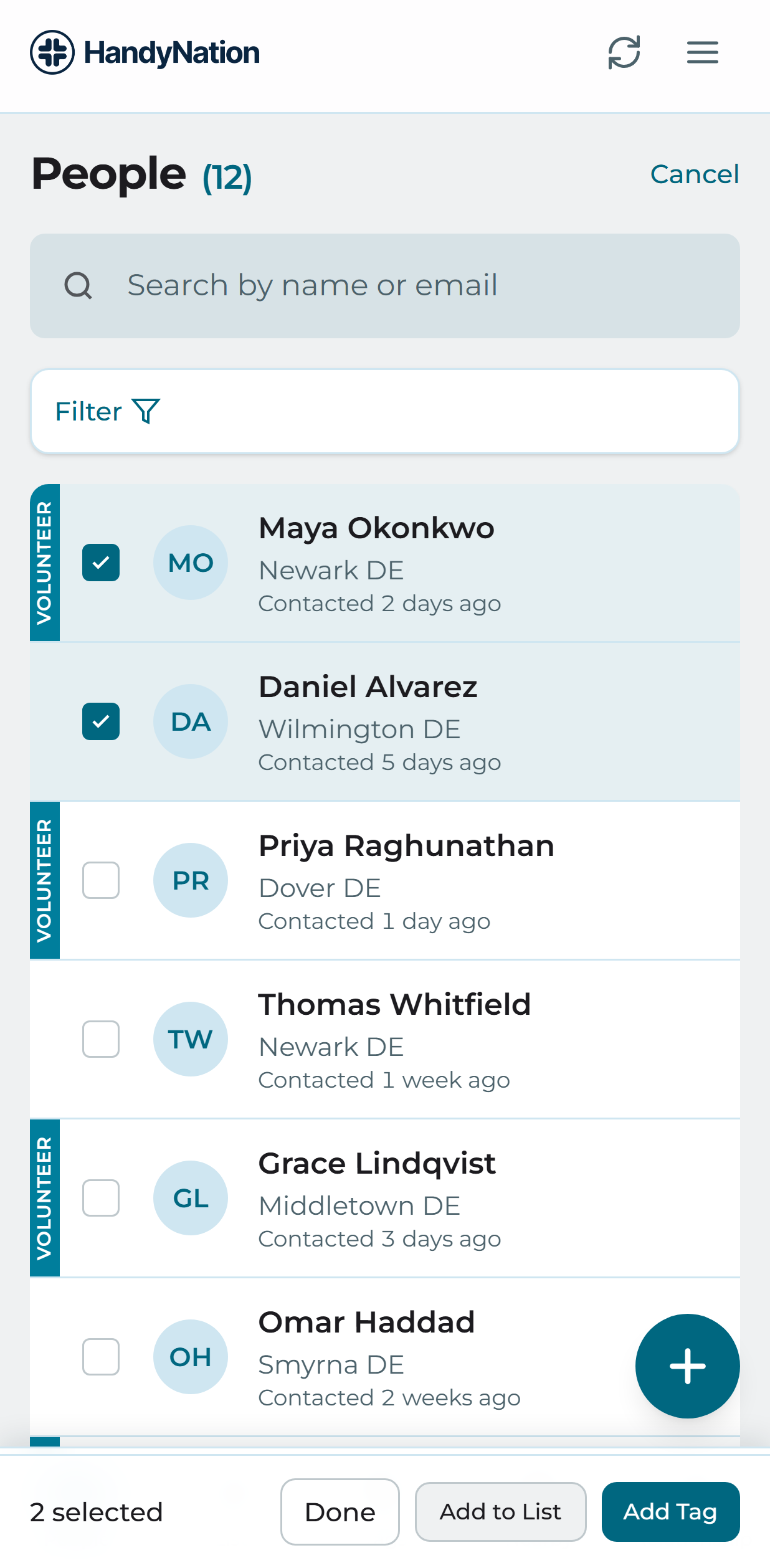
- Add to a NationBuilder list. Pick the list they should all join.
- Add to a canvassing list. Pick the canvassing list to add them to.
- Log contact. Record the same contact against everyone selected.
- RSVP to an event. Pick an event and RSVP the whole selection.
- Add tags. Apply a tag to everyone selected.
- Delete. Remove the selected records.