Field appUpdated on 11 August 2026
Advanced search
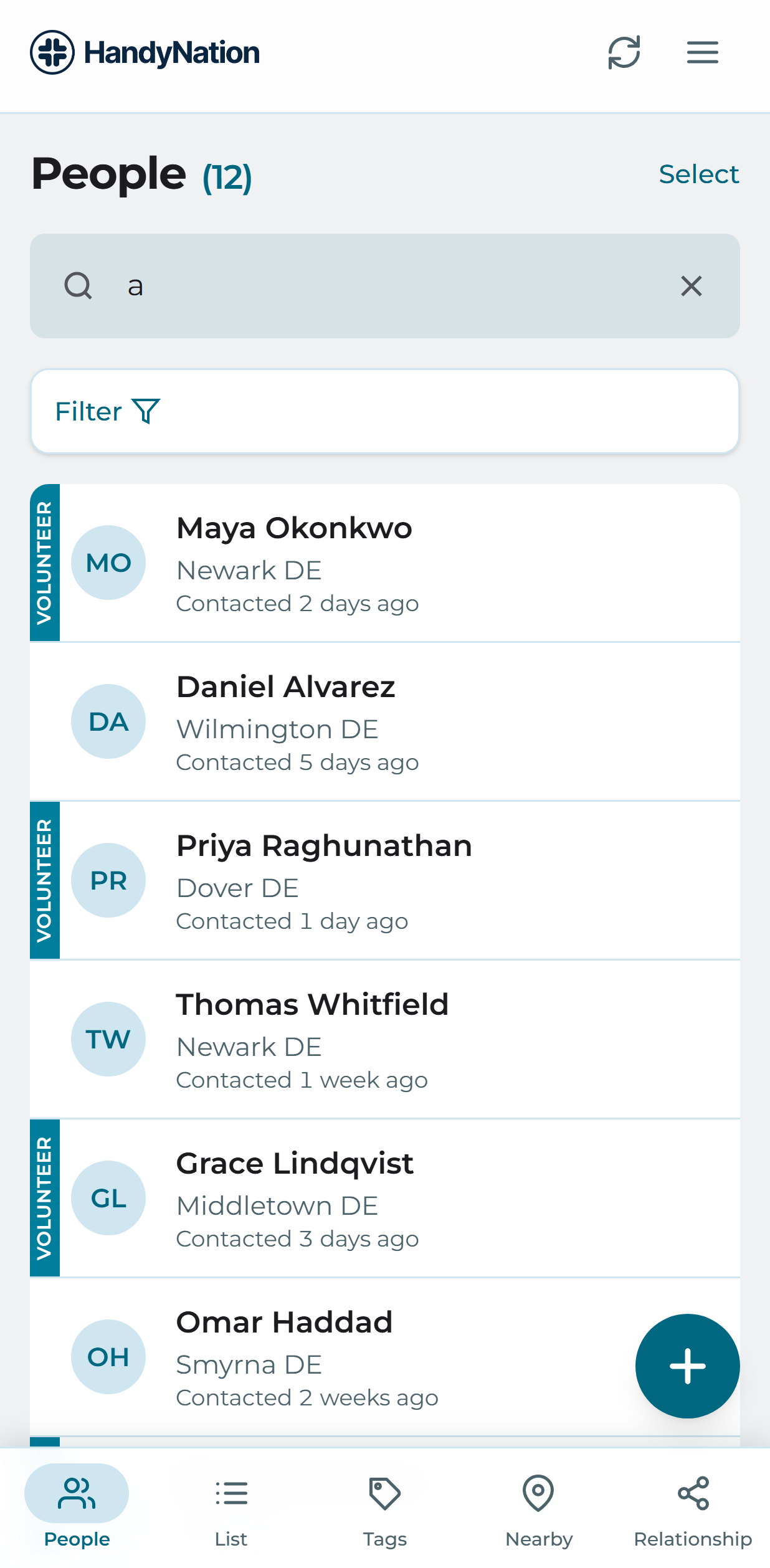
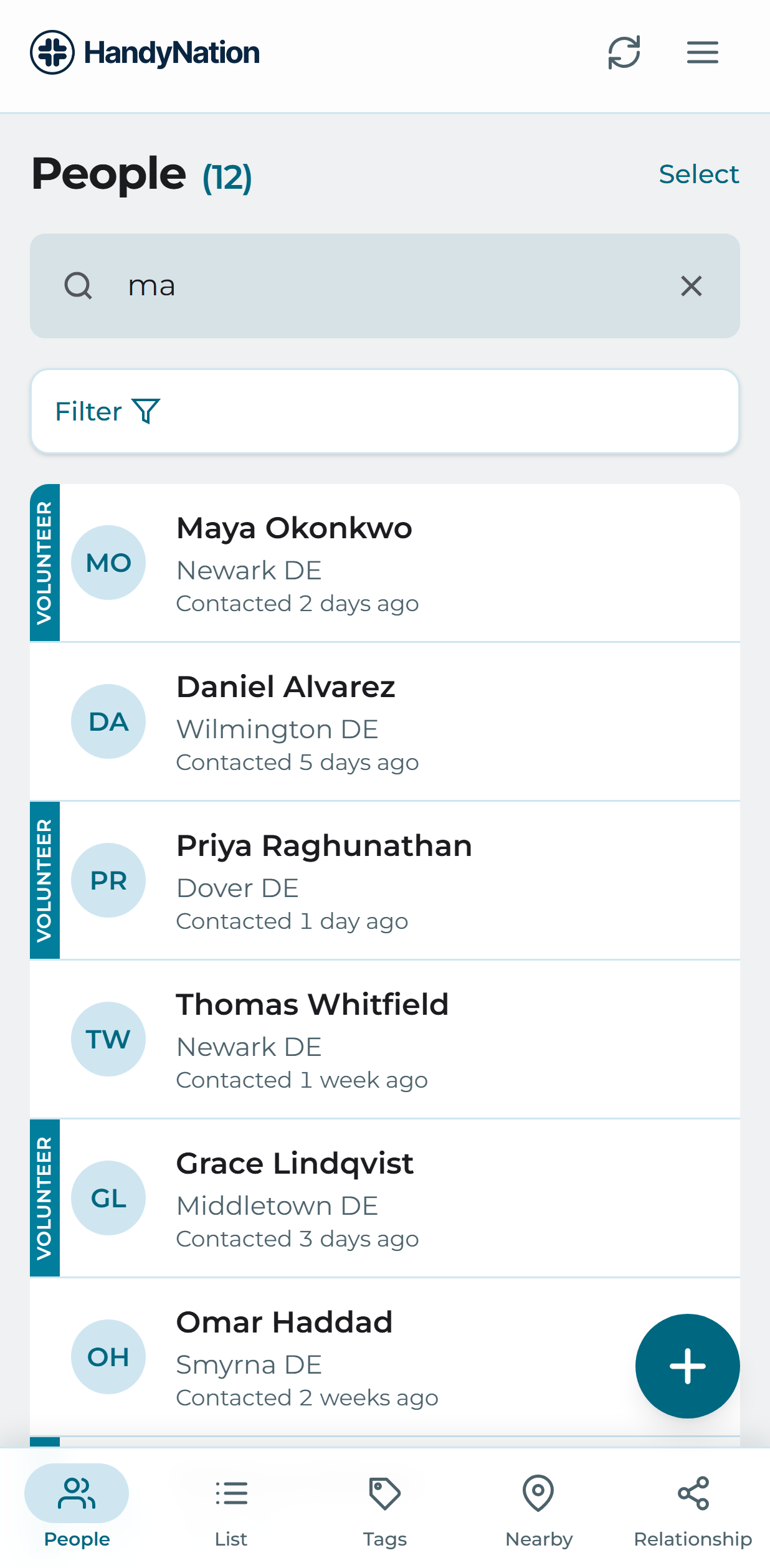
Keyword search
Tap the search box at the top of the People tab and type a name. The keyword matches first and last names.
Search based on different filters
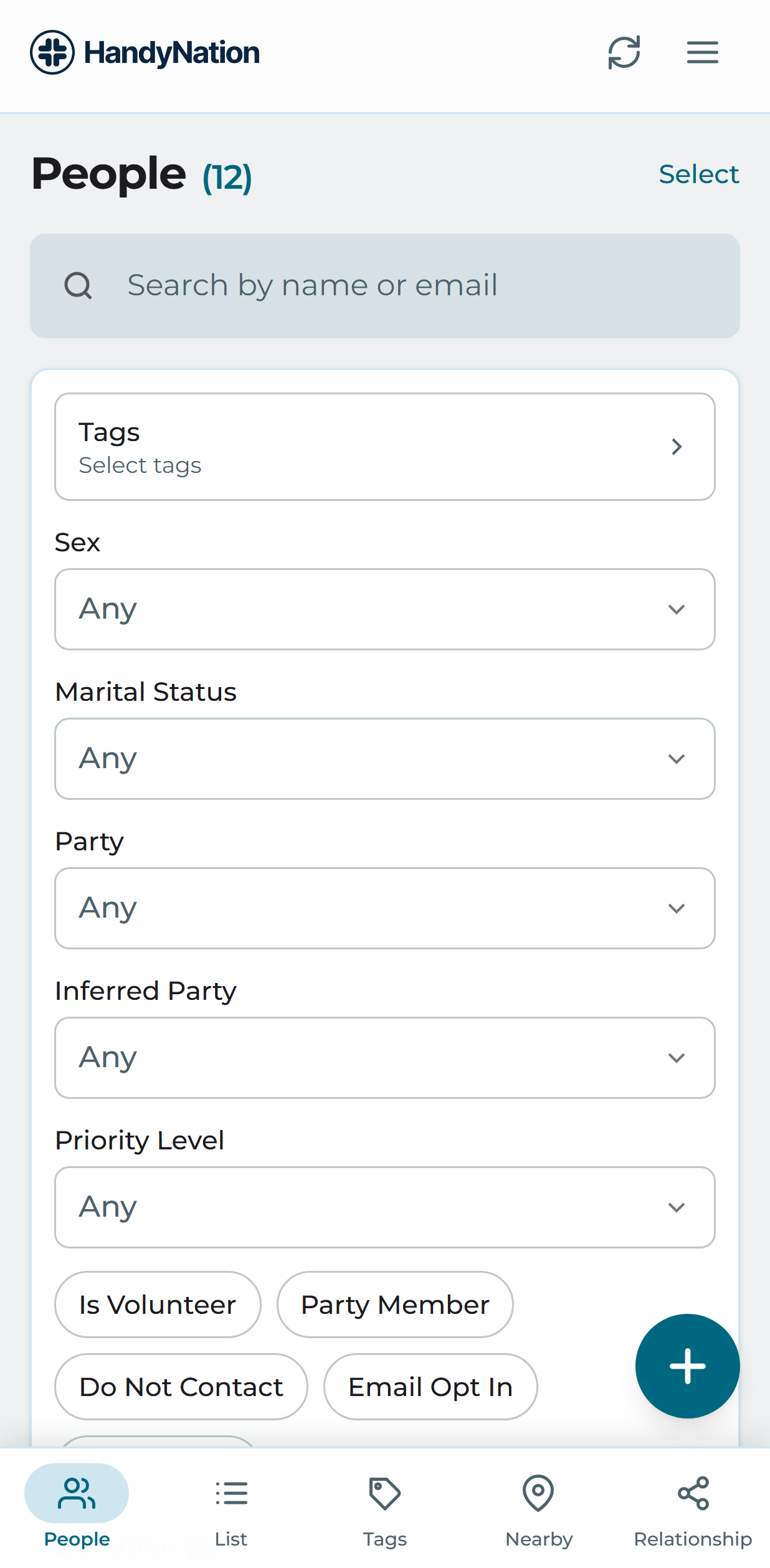
The same search screen carries filters for narrowing the database down to the people you actually want.
- Tags. Select one or more tags.
- Sex. Filter by recorded gender.
- Is volunteer? Only people marked as volunteers.
- Do not contact? Only people flagged do-not-contact.
- Email opt in. Only people who have opted in to email.
- Is deceased? Only records marked deceased.
- Party member? Only party members.
- Marital status. Filter by marital status.
- Party and inferred party. Filter by recorded or inferred party.
- Priority level. Filter by support priority.
- Donation. People who have given up to a given amount.