HandyNation
FeaturesPricingCustom AppDocsSupportPartnership
Log in
Docs/CRM
  • Getting Started

    • Account Setup & Installation
    • Manage Subscription
  • Team Setup

    • Manage team member
    • Team member login
    • Permission sets
  • CRM

    • Manage user record
    • Advanced search
    • Tag a user
    • NationBuilder Tags
    • NationBuilder list
    • User actions
    • Nearby (proximity list)
  • Canvassing

    • Create canvassing list
    • Canvassing on the field
  • Events

    • Events
    • QR based RSVP
  • Multi Language

    • Select app language
    • Customize language text
  • Donations

    • View Donations
    • Add donation
Field appUpdated on 11 August 2026

Nearby (proximity list)

Table of Contents

  1. Get users within X miles
  2. Additional filters to curate the right list
  3. Create a NationBuilder or canvassing list

Get users within X miles

Open the Nearby tab to see the people closest to where you are standing. Drag the radius control to widen or tighten the search.
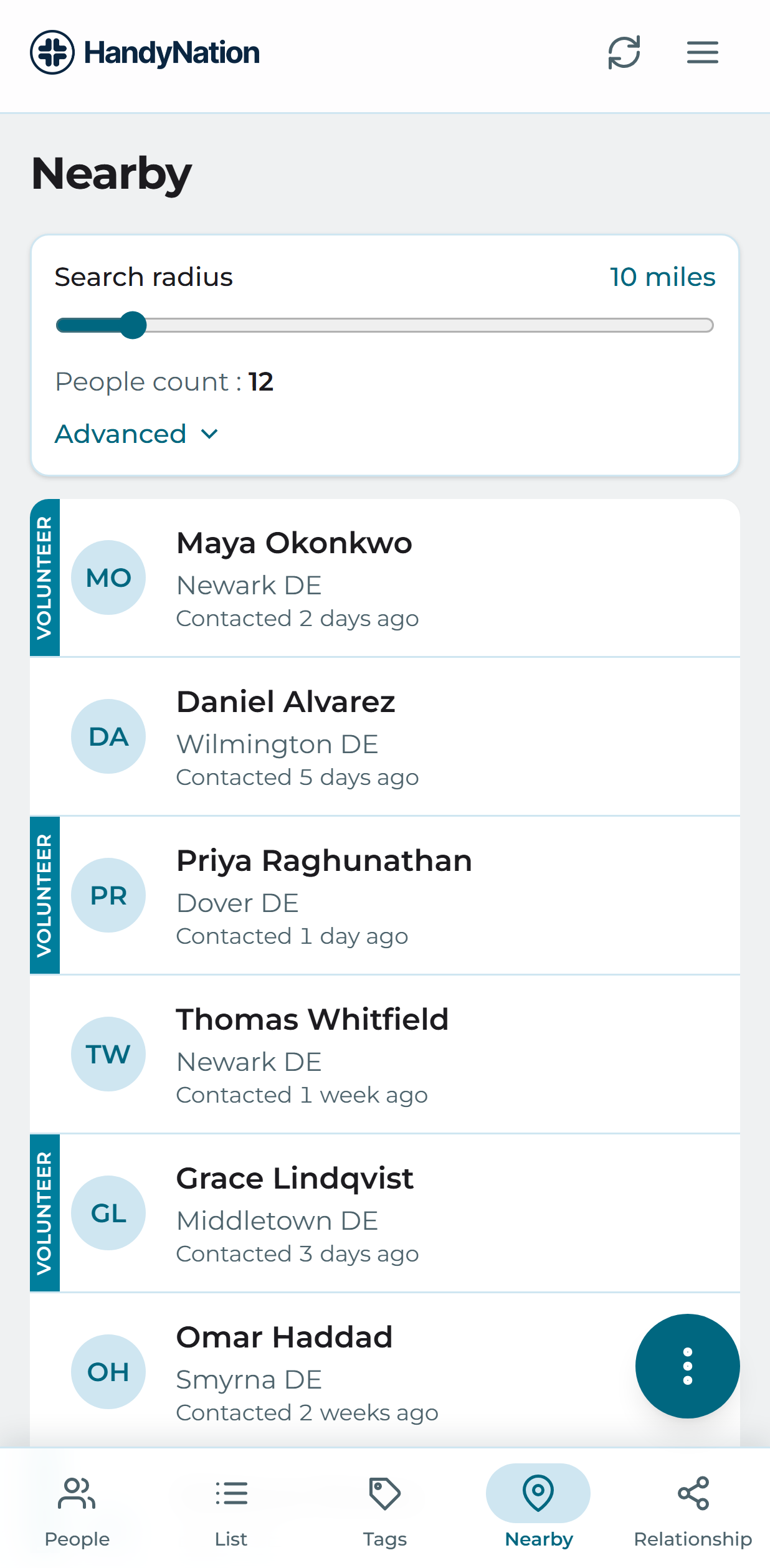
The Nearby tab with a radius control

Additional filters to curate the right list

Narrow the result with the same kinds of filters as search — tags, support level, party and volunteer status — then search again.
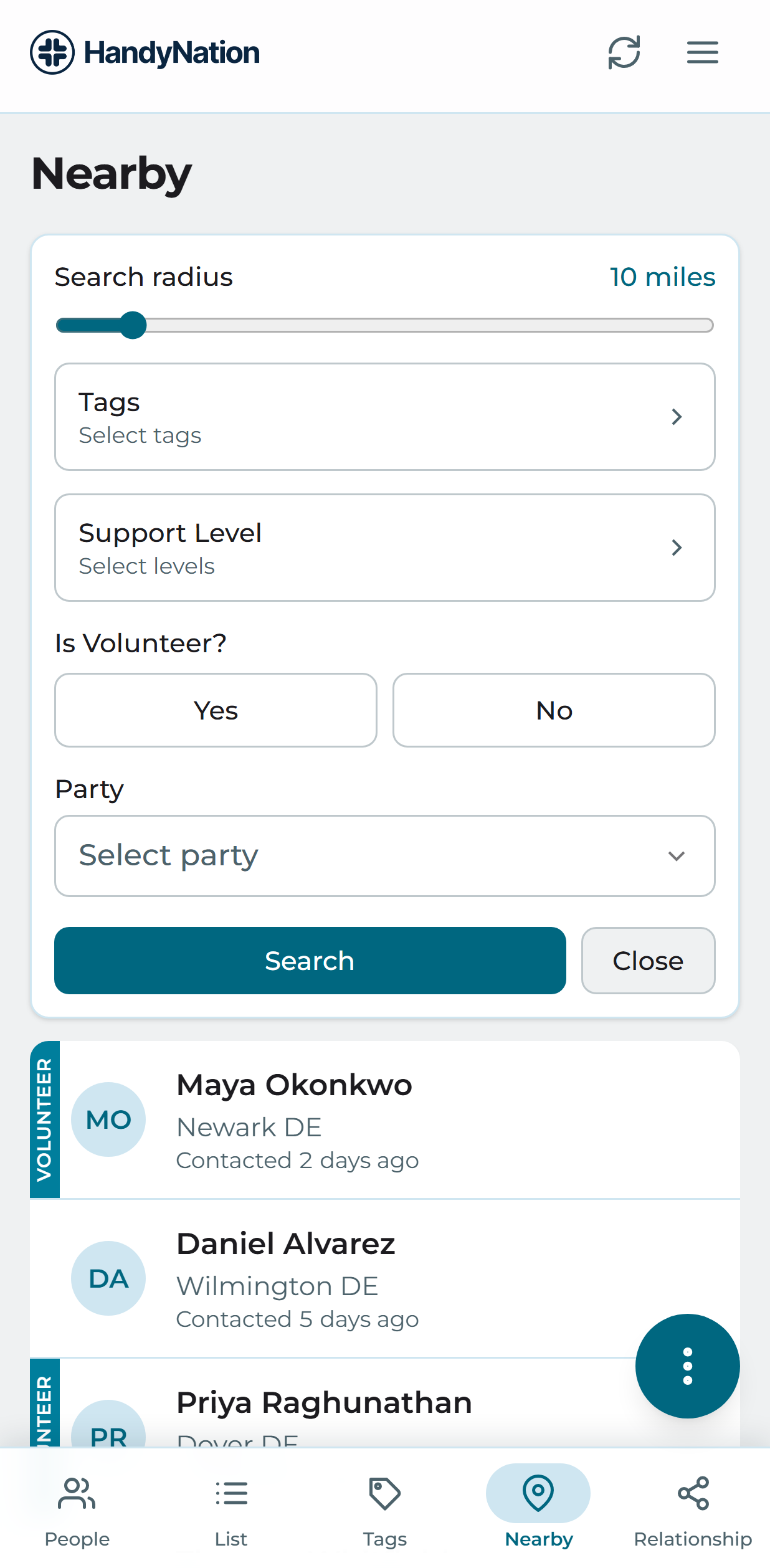
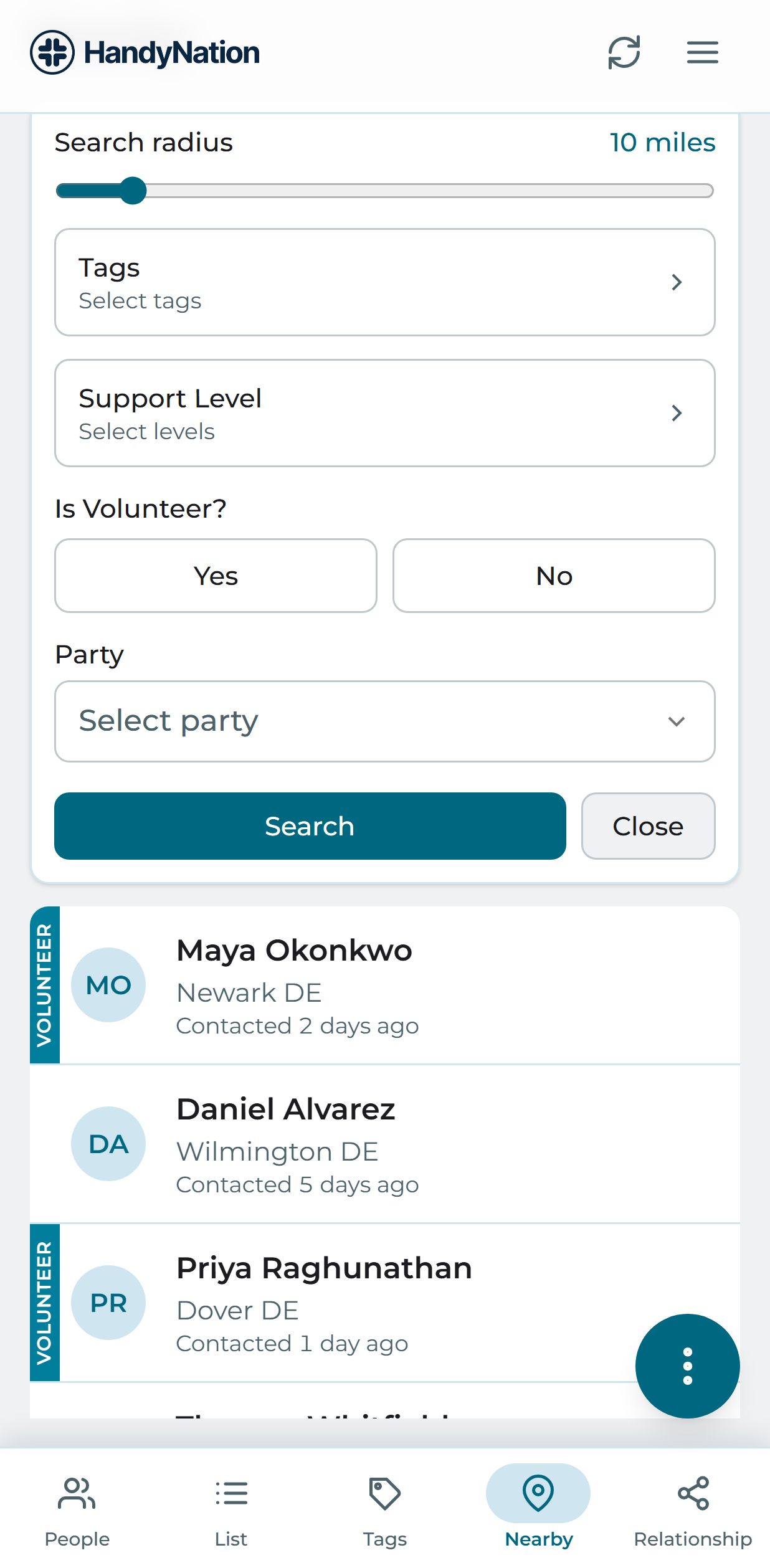
Nearby filters
A filtered nearby result

Create a NationBuilder or canvassing list

Once the result is the group you want, use the menu to turn it into a NationBuilder list or a canvassing list. Fill in the name and slug and save.
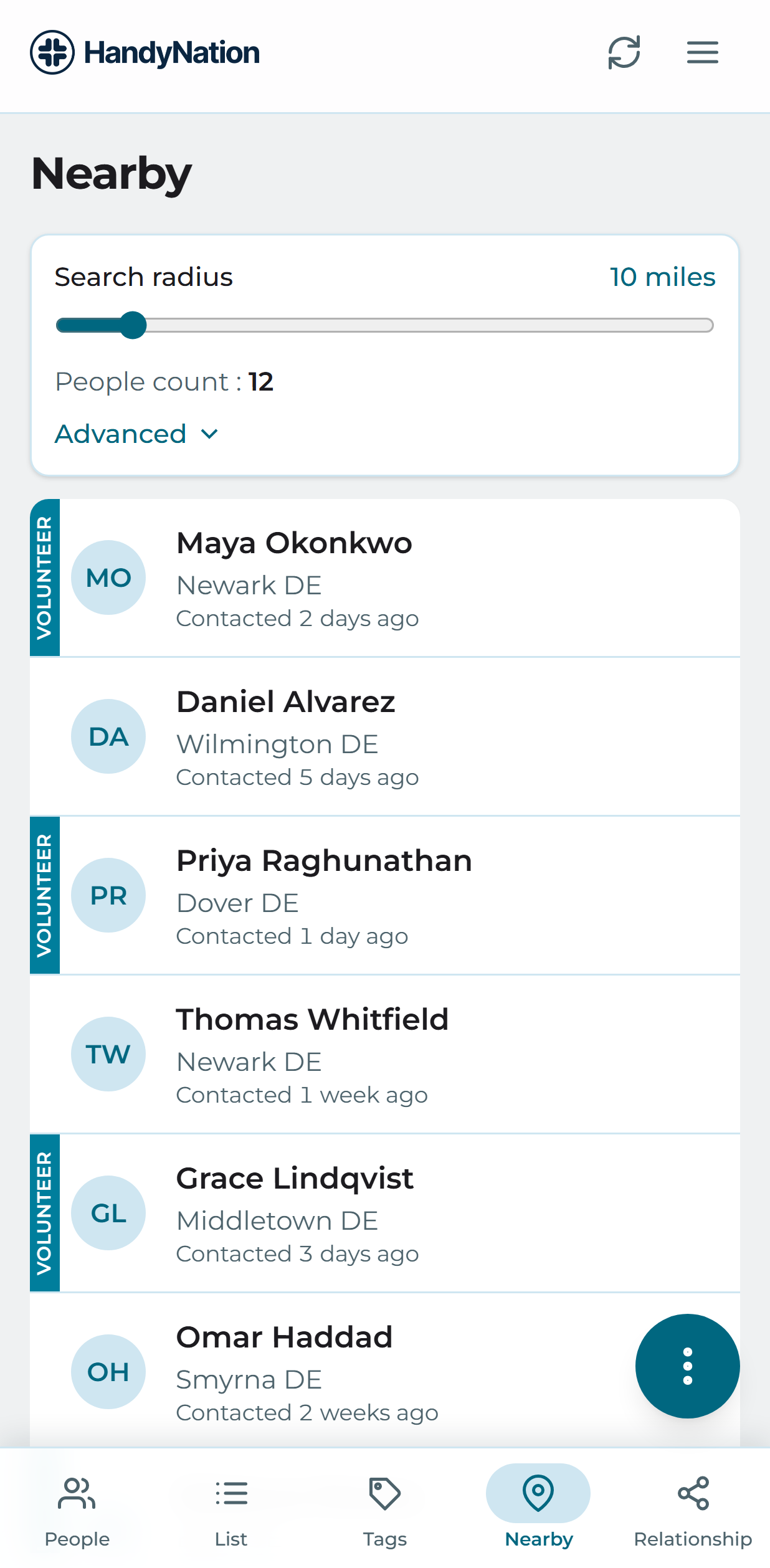
Creating a list from a nearby result
PreviousUser actionsNextCreate canvassing list
HandyNation

HandyNation streamlines field operations — real-time sync, efficient canvassing, and customizable permissions — built for seamless NationBuilder integration.

Quick Links

  • Home
  • Features
  • Pricing
  • Custom App
  • Docs
  • Blog

Connect

  • Facebook
  • Twitter
  • Instagram
  • LinkedIn

Stay Updated

© 2026 HandyNation. All rights reserved.|
Privacy PolicyTerms of Services