Dashboard & field appUpdated on 11 August 2026
Create canvassing list
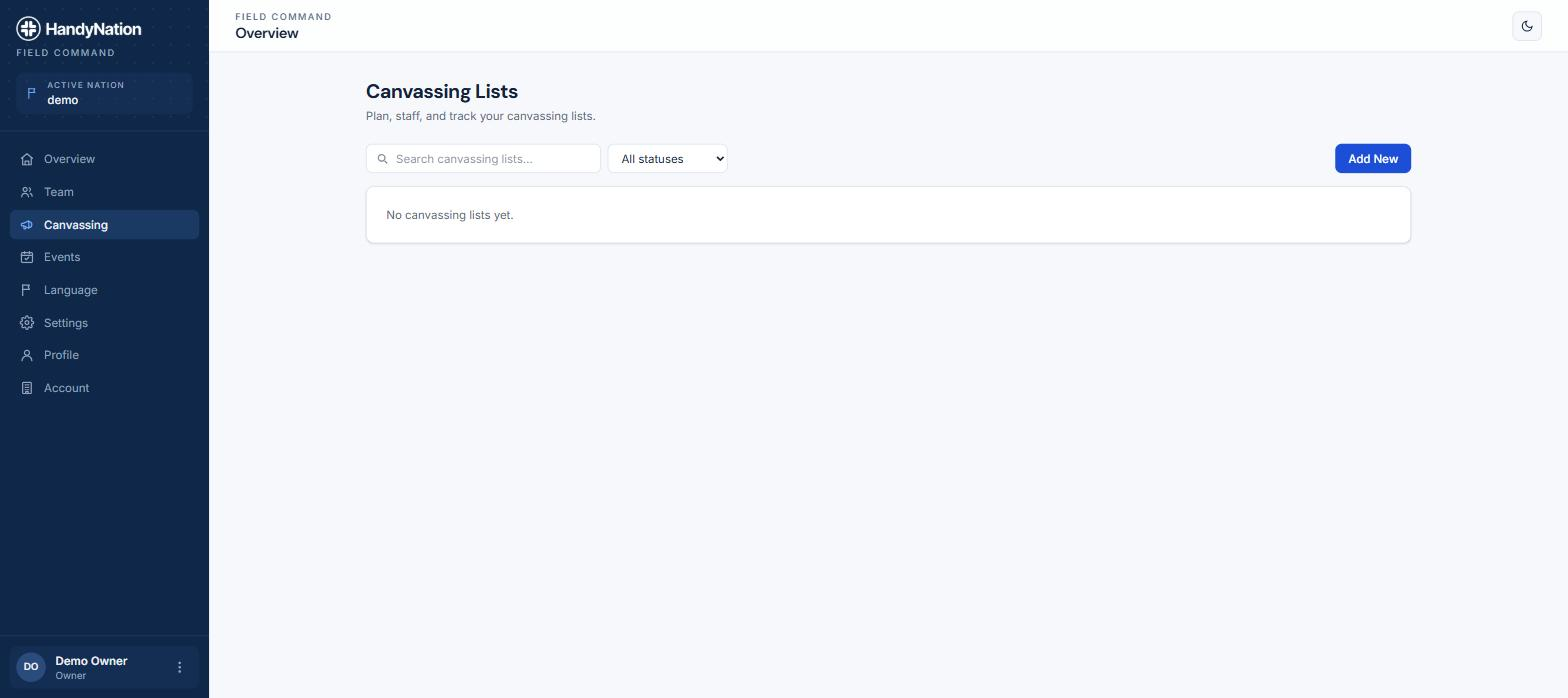
Add new canvassing list
There are three ways to create a canvassing list.
- From the dashboard. Open Canvassing in the dashboard and create a list there. This is the easiest route when you are planning a round in the office rather than standing in the street.
- From Nearby. Curate a group of nearby supporters and turn the result straight into a canvassing list — see Nearby (proximity list).
- From the Canvassing tab in the field app. Use the add action on the Canvassing tab, pick the NationBuilder list the round should be drawn from, and name it.
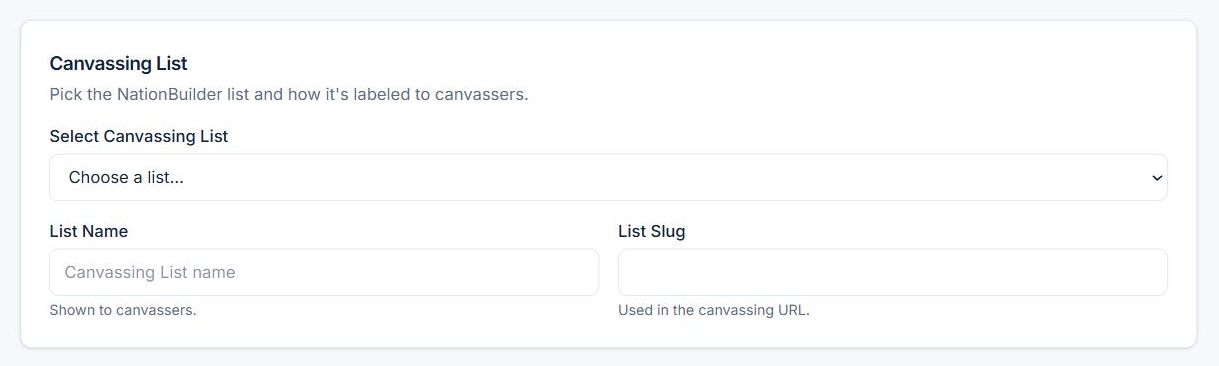
Default settings for list
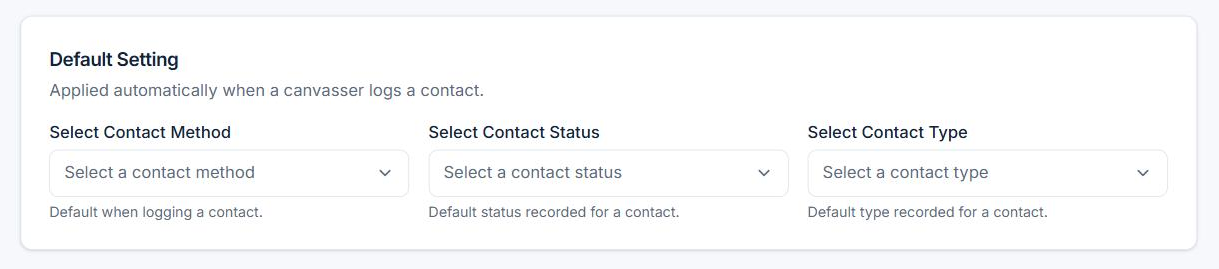
While you create the list you can preset the contact method, contact status and the survey to use. Those defaults are applied to every door on the round, so canvassers are not picking the same three values at every house.
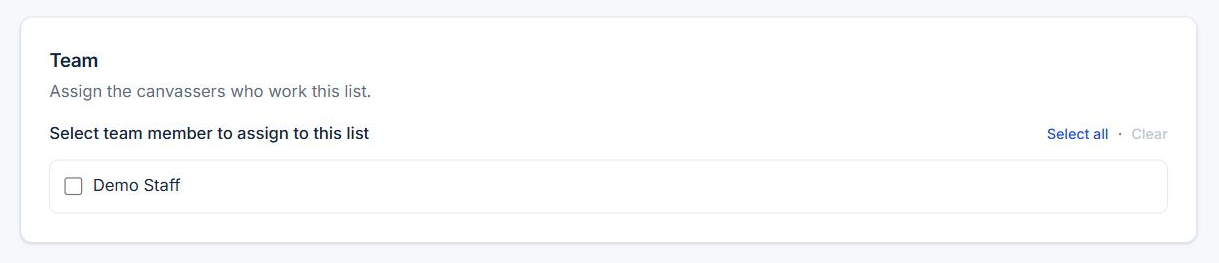
Assign the list to canvassers
A canvassing list is given to staff by assignment rather than by a permission checkbox. Assign people from the list itself or from their staff record — the two stay in sync — and the assignment grants them access to that round.