HandyNation
FeaturesPricingCustom AppDocsSupportPartnership
Log in
Docs/CRM
  • Getting Started

    • Account Setup & Installation
    • Manage Subscription
  • Team Setup

    • Manage team member
    • Team member login
    • Permission sets
  • CRM

    • Manage user record
    • Advanced search
    • Tag a user
    • NationBuilder Tags
    • NationBuilder list
    • User actions
    • Nearby (proximity list)
  • Canvassing

    • Create canvassing list
    • Canvassing on the field
  • Events

    • Events
    • QR based RSVP
  • Multi Language

    • Select app language
    • Customize language text
  • Donations

    • View Donations
    • Add donation
Field appUpdated on 11 August 2026

NationBuilder Tags

Table of Contents

  1. Get the list of tags and search within
  2. Get people tagged with a specific tag

Get the list of tags and search within

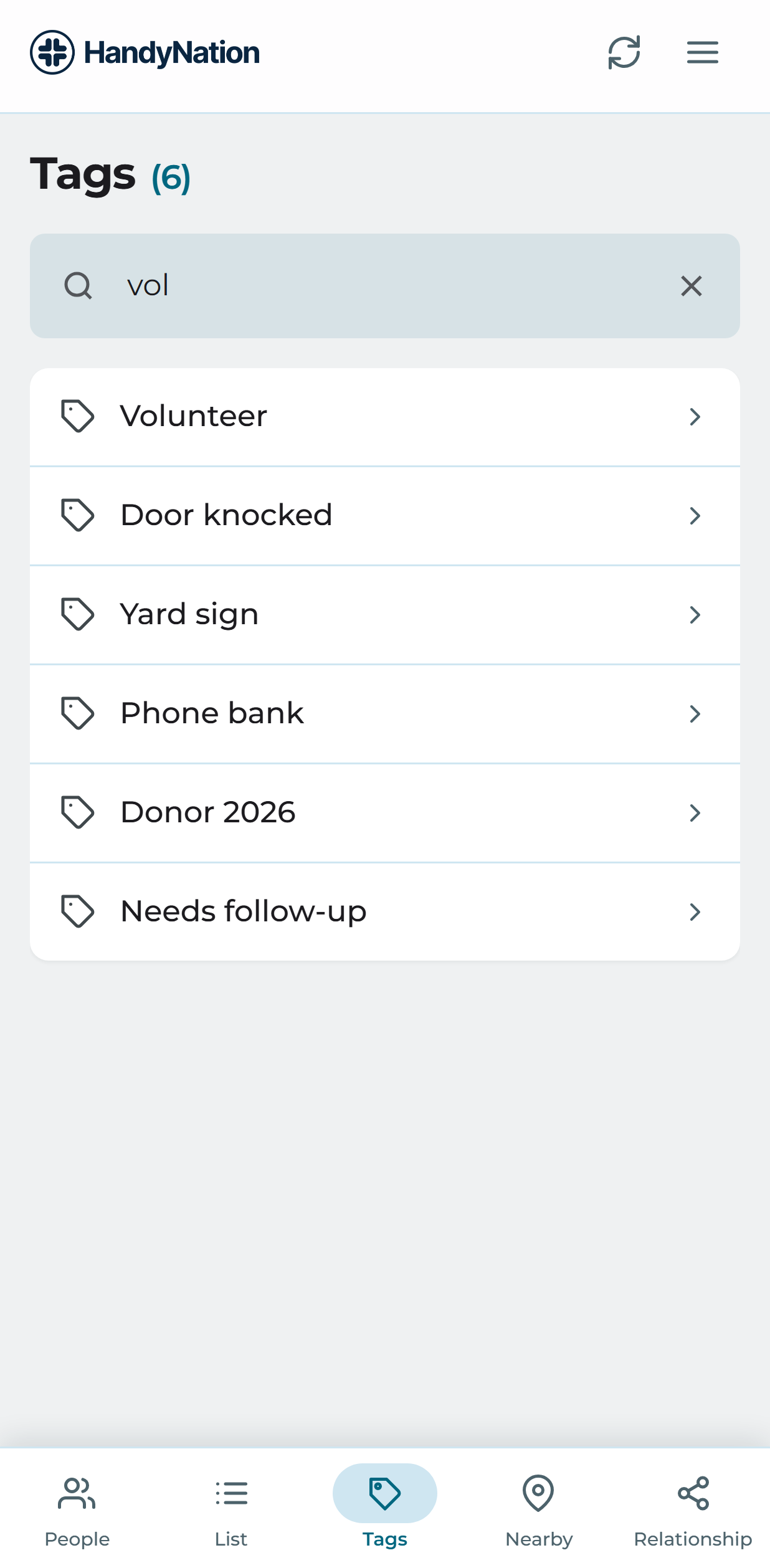
The Tags tab lists every tag in your nation. Use the search box at the top to find one by name.
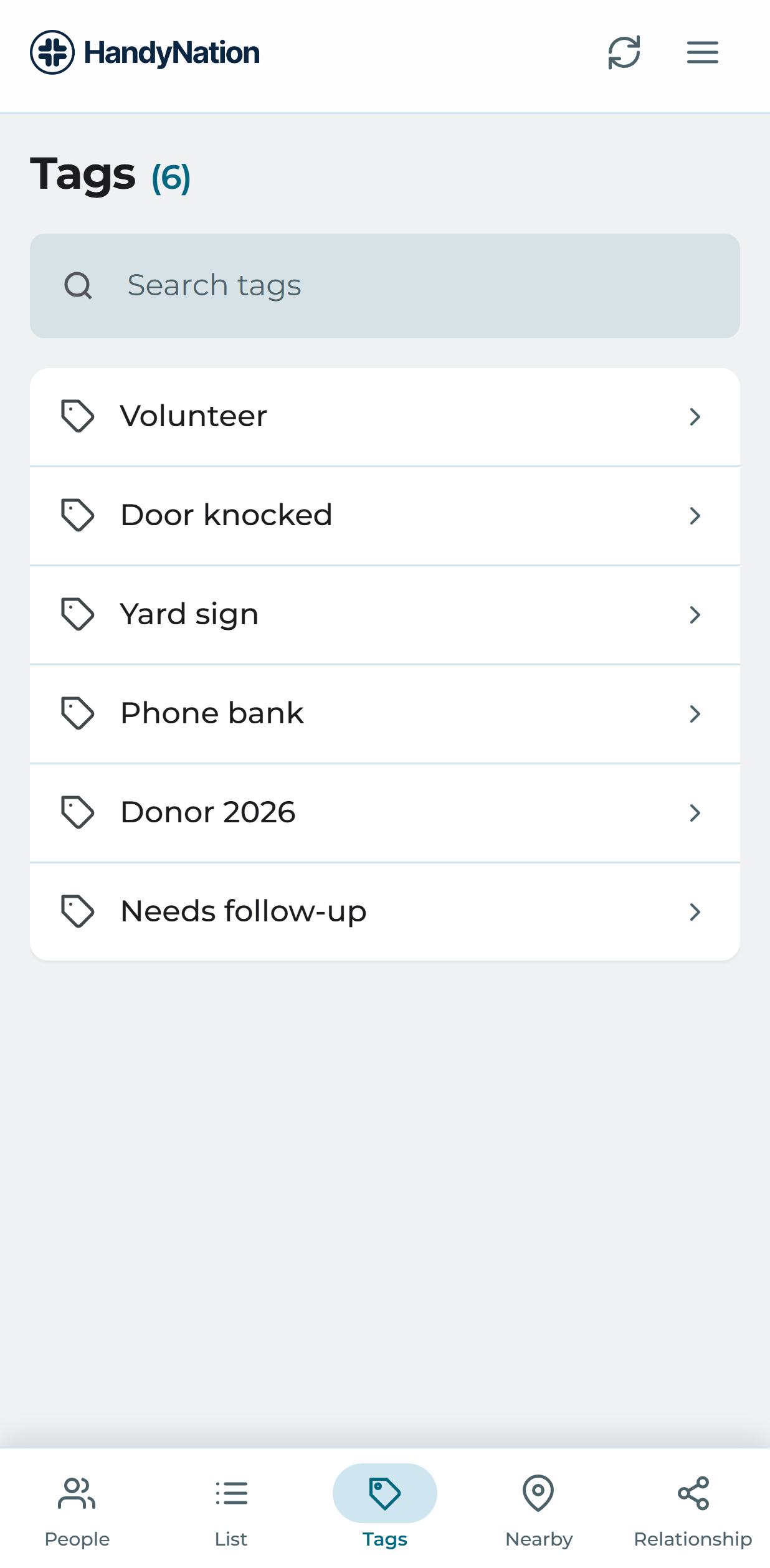
The Tags tab
Searching tags by name

Get people tagged with a specific tag

Open a tag to see everyone carrying it. You can search that list by first or last name, and sort it by first name, last name, support level, creation date or last update.
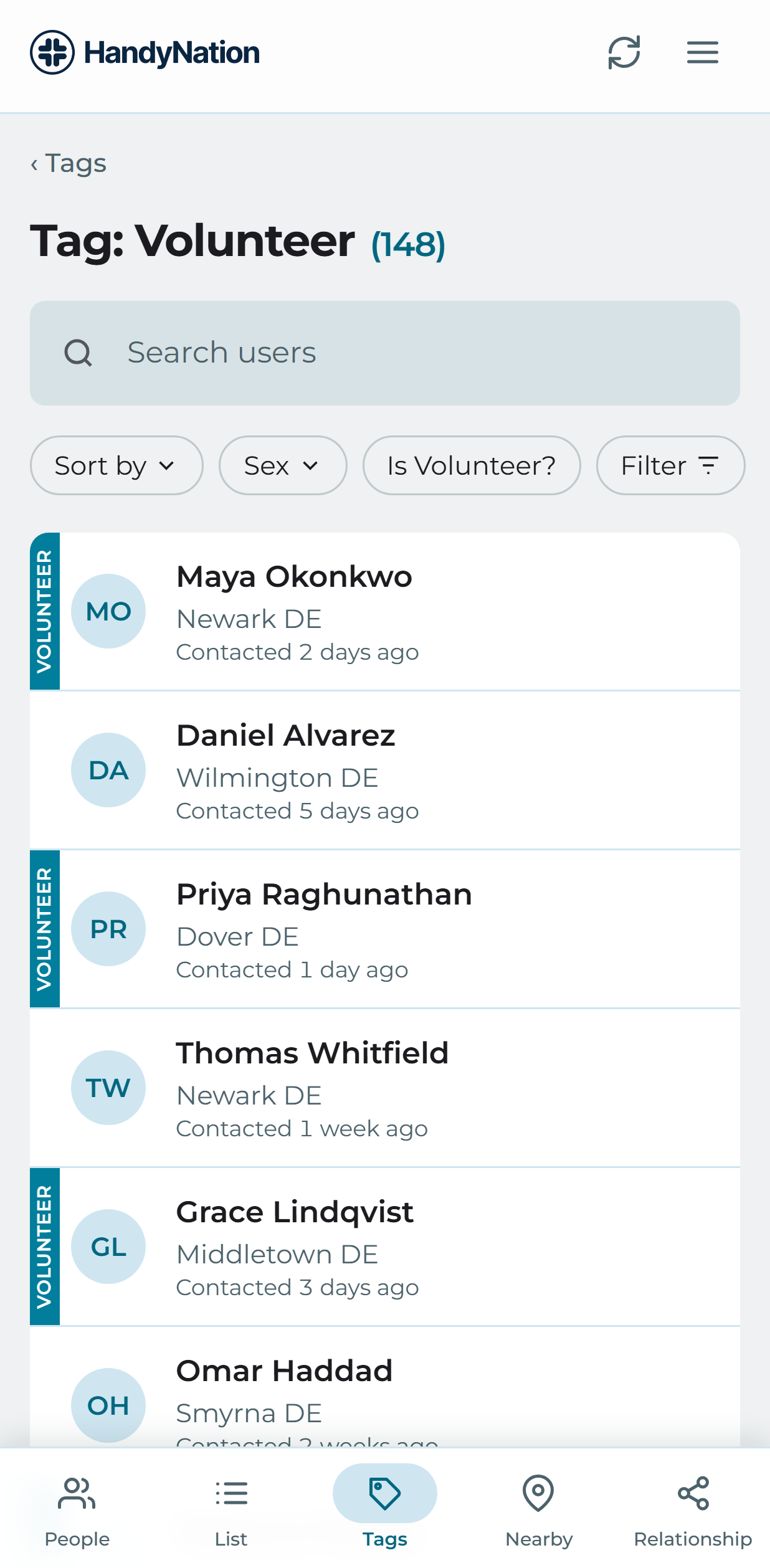
People carrying a particular tag

Note: Sorting is unavailable while a search is active — clear the search to sort the full list again.

PreviousTag a userNextNationBuilder list
HandyNation

HandyNation streamlines field operations — real-time sync, efficient canvassing, and customizable permissions — built for seamless NationBuilder integration.

Quick Links

  • Home
  • Features
  • Pricing
  • Custom App
  • Docs
  • Blog

Connect

  • Facebook
  • Twitter
  • Instagram
  • LinkedIn

Stay Updated

© 2026 HandyNation. All rights reserved.|
Privacy PolicyTerms of Services