Manage team member
Add a new team member
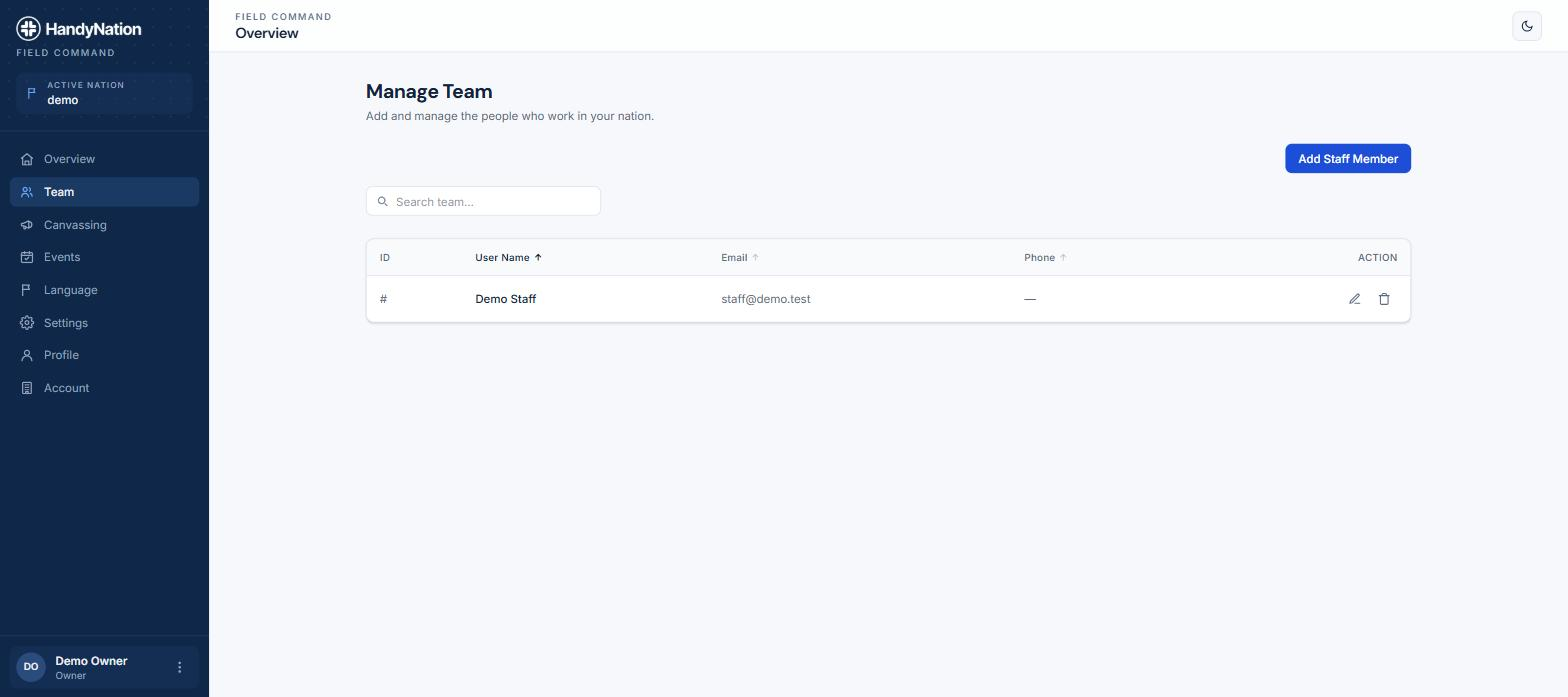
Sign in to the dashboard and open Team from the left navigation, then use the button to add a new staff member.
You are asked for an email address first. HandyNation looks that address up in your NationBuilder database — if the person already exists there, the rest of the form is prefilled from their record.
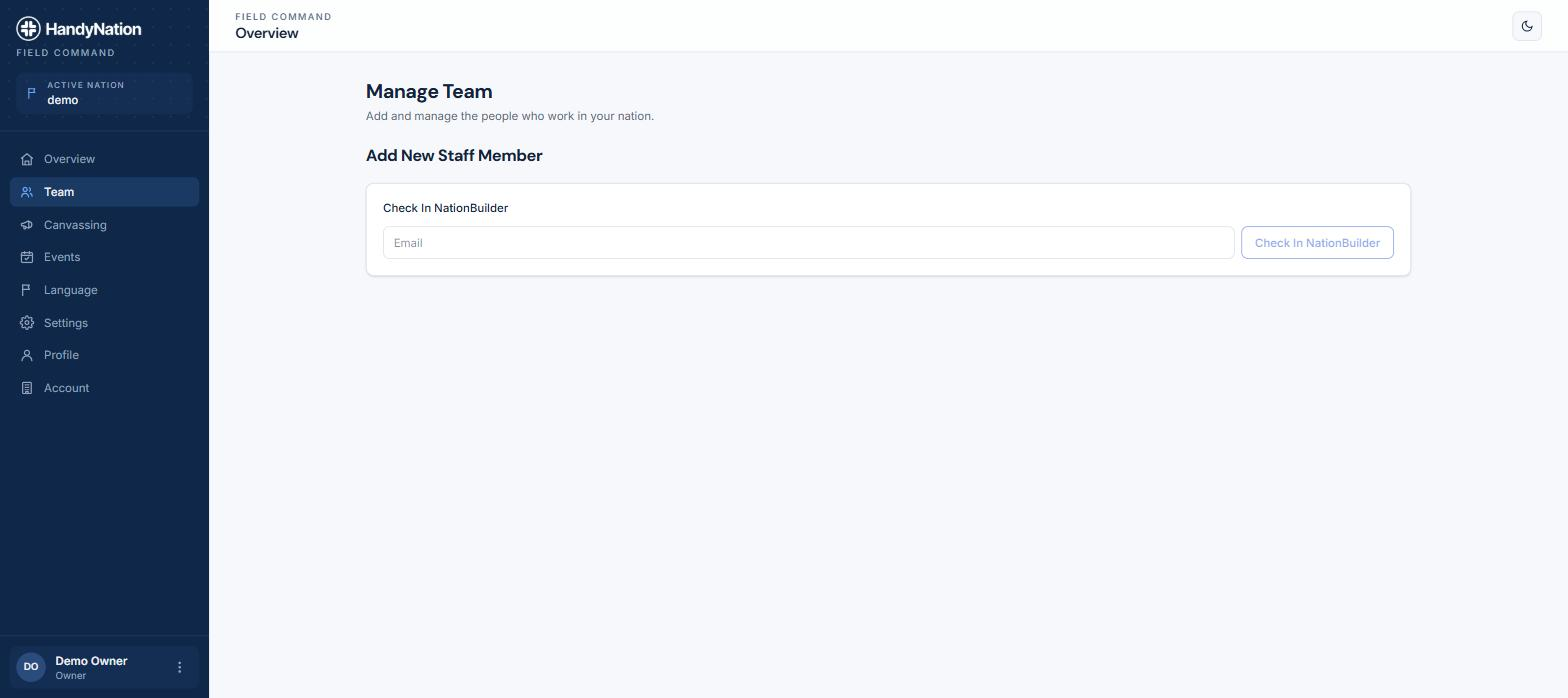
If the address is not in your nation yet, you are told so and can fill the details in by hand.
Fill in first name, last name, email, password, mobile and any notes about this person. The email and password you set here are the credentials they will use to sign in to the field app, and they are emailed the login details.
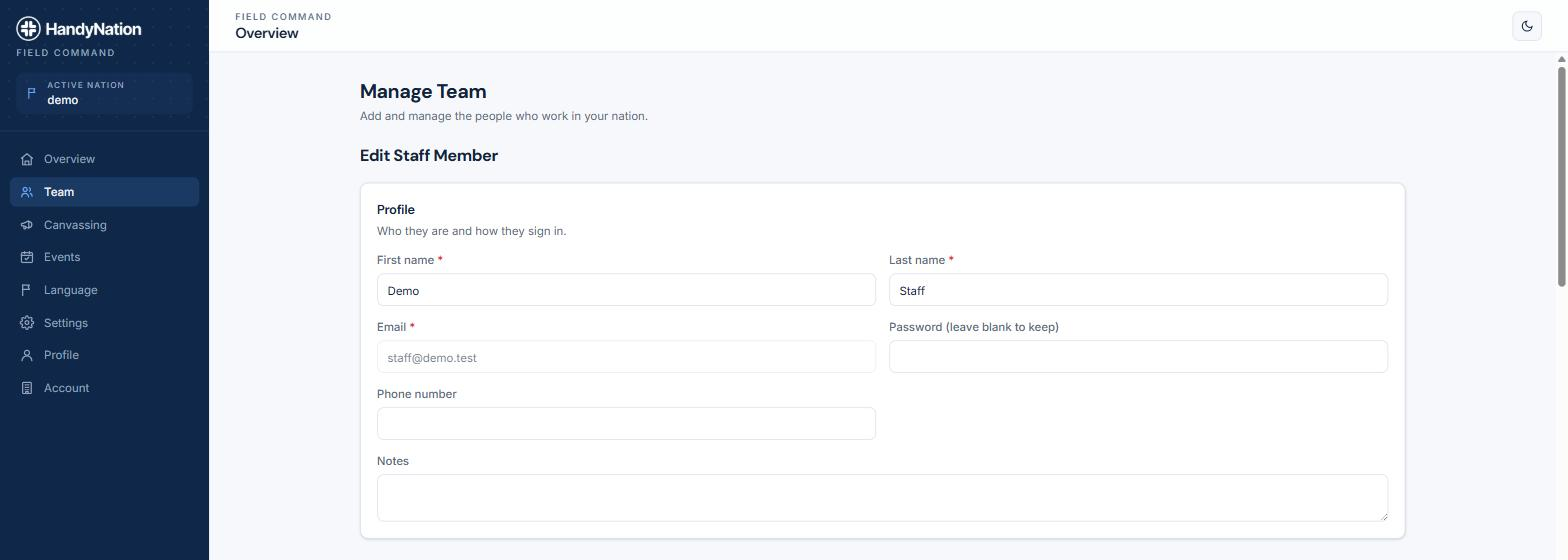
Permissions are set on the same form. See Permission sets for what each one controls.
Edit team member
Open Team again to see everyone with access to your nation, then use the edit action on the row you want to change.

Everything on the add form can be changed later, including permissions and which lists, tags and events the person is scoped to.