Canvassing on the field
Open Canvassing in the field app to see the rounds assigned to you, then open one to start work.
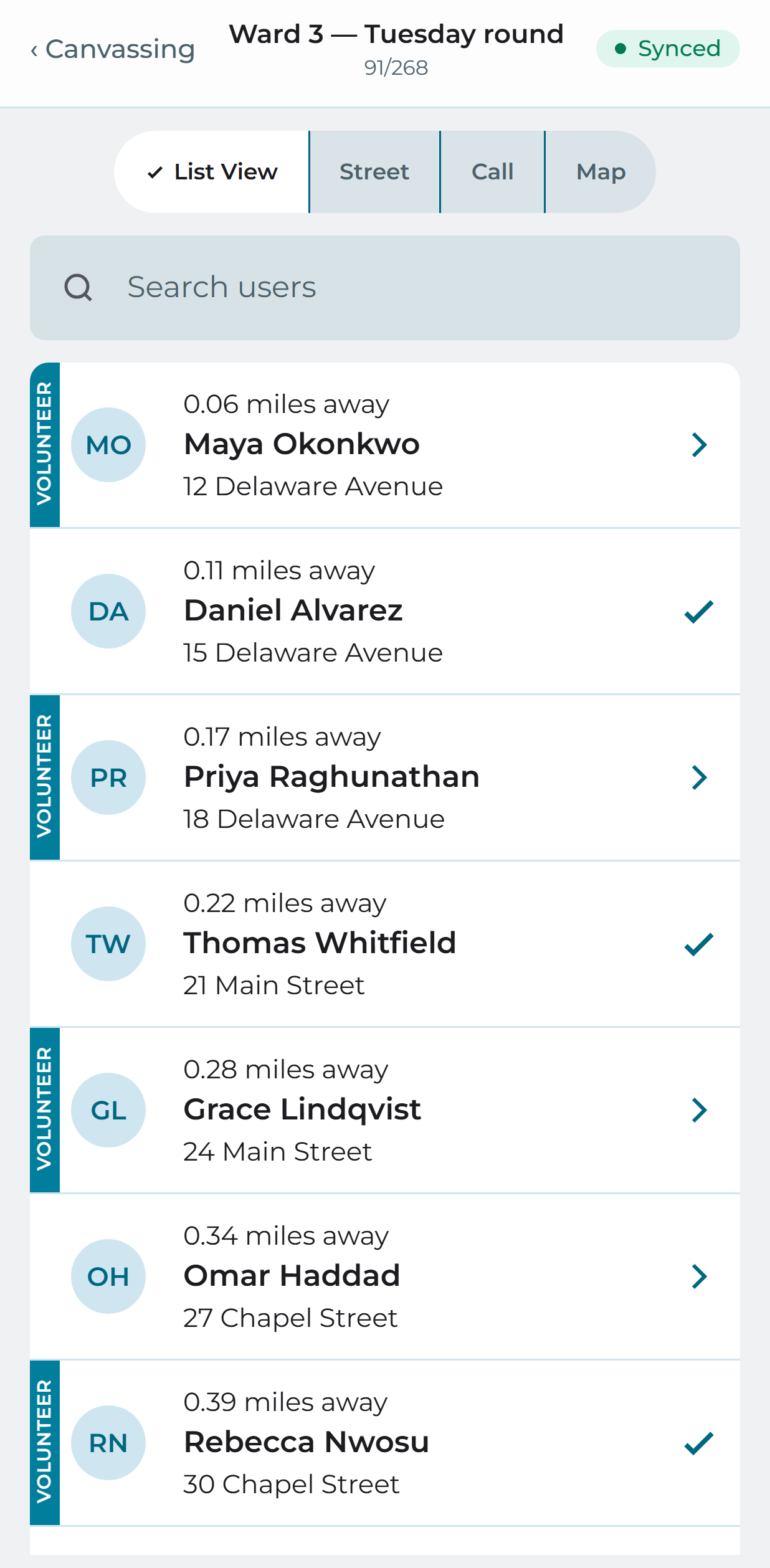
List view
People in order of how far they are from where you are standing, closest first. Anyone already canvassed is marked as done.
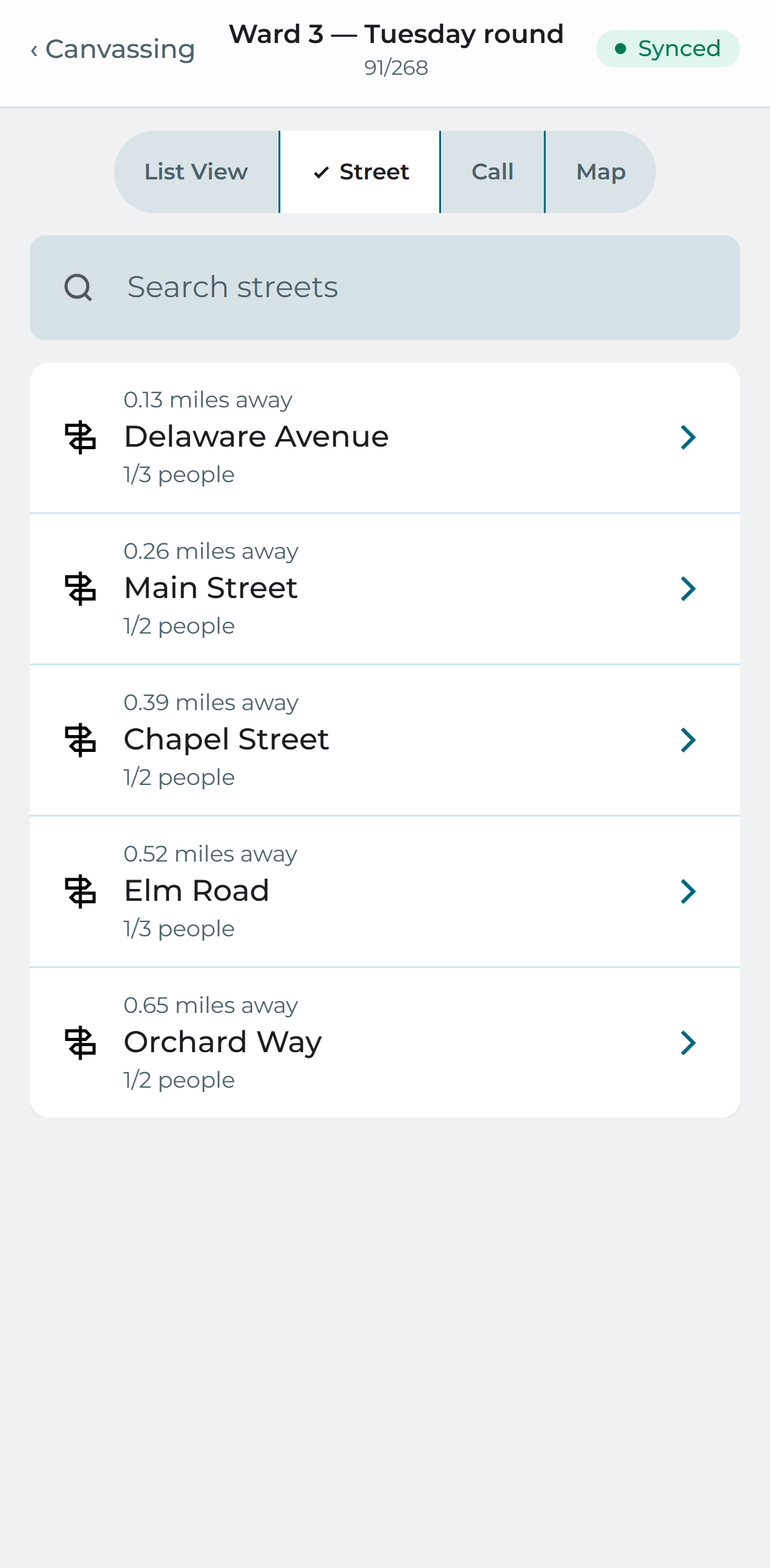
Street view
The same round grouped by street, nearest street first, with a count of how many people are on each.
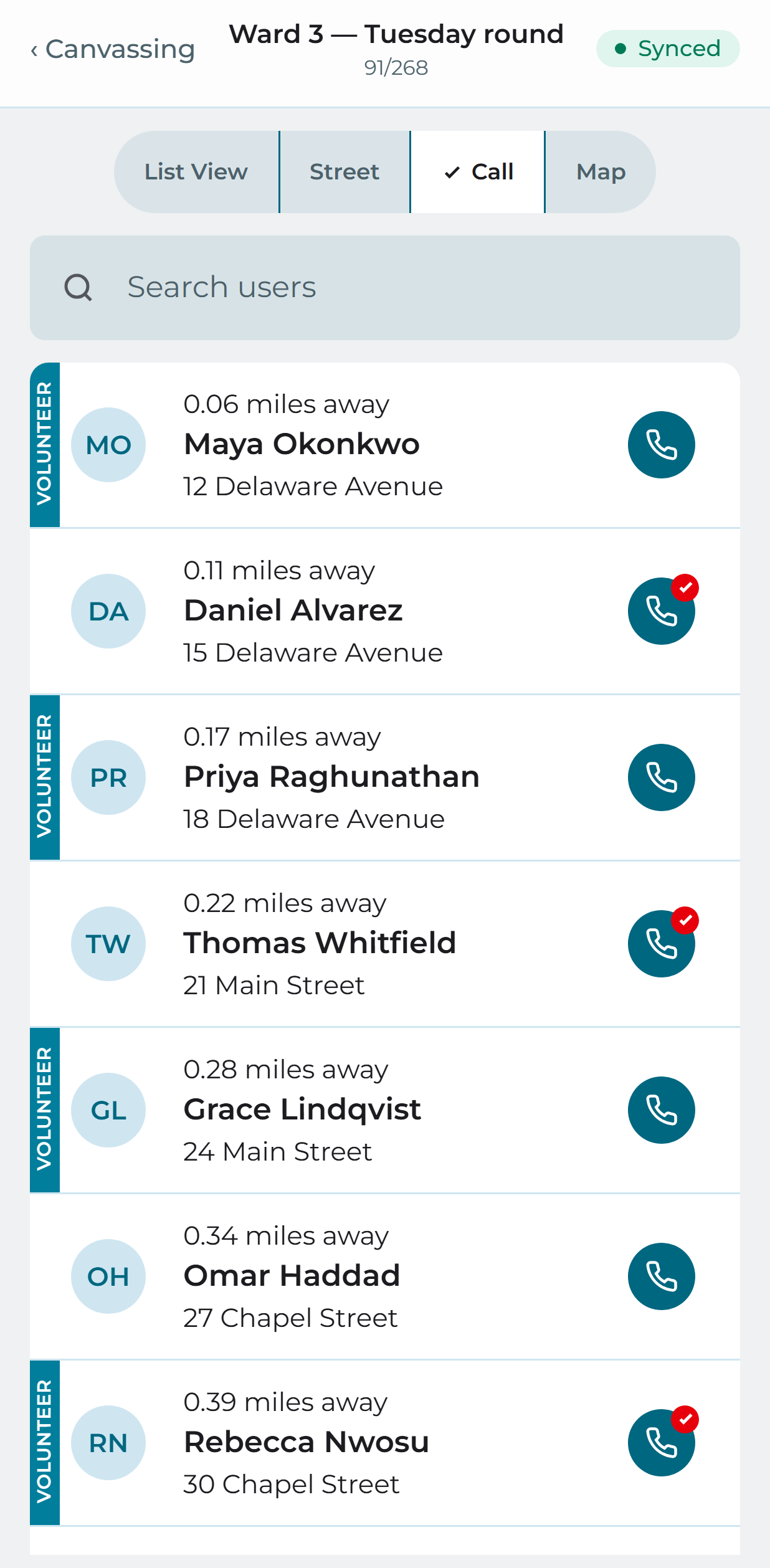
Call view
A list with a dial action against each person — the view to use for phone canvassing rather than door knocking.
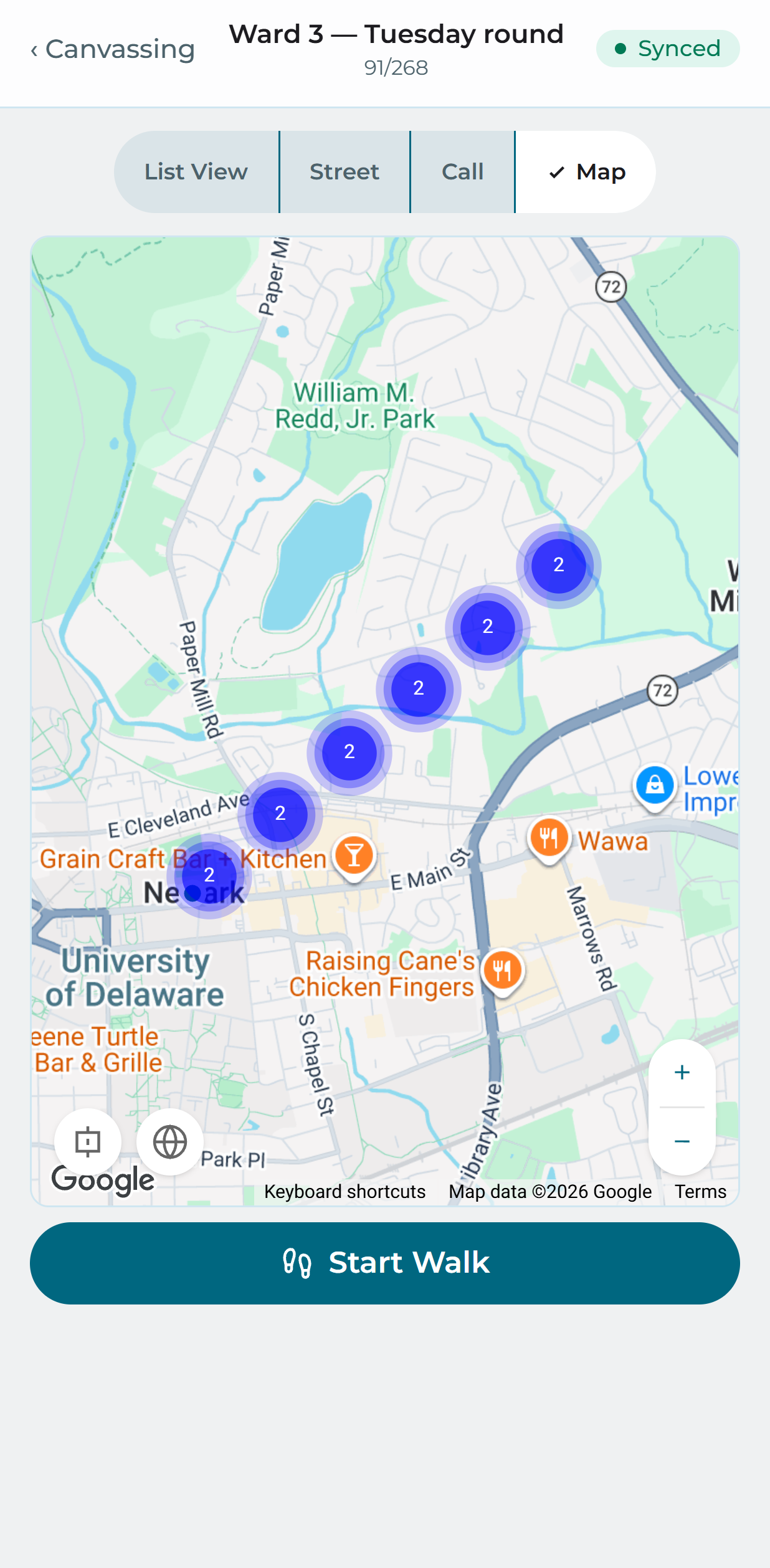
Map view
Everyone on the round plotted on a map, so you can see the shape of the area. Start a walk and the app routes you to the next door, showing the detail you need before you knock — you can mark the door done or skip to the next one.
Record user inputs
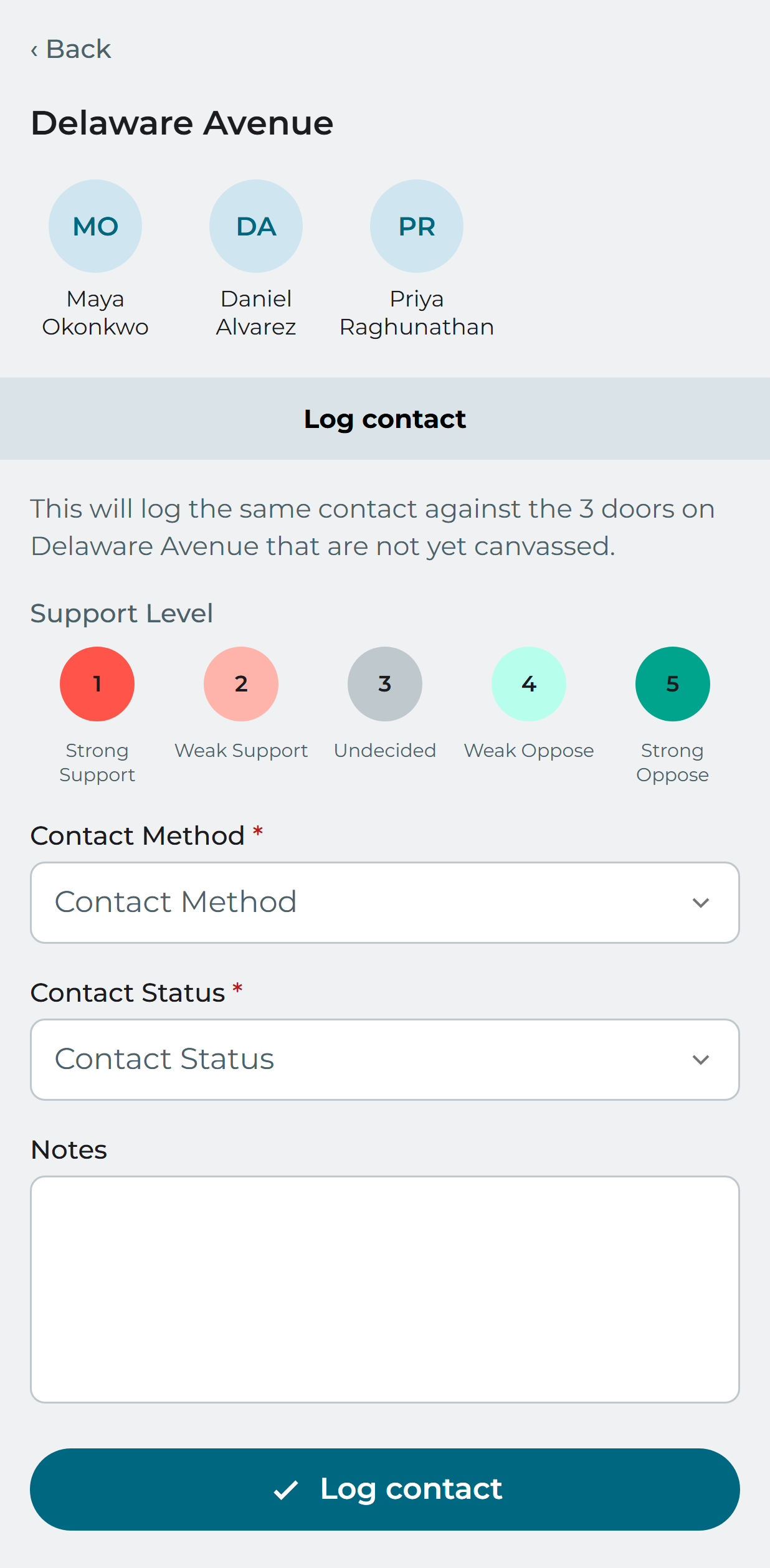
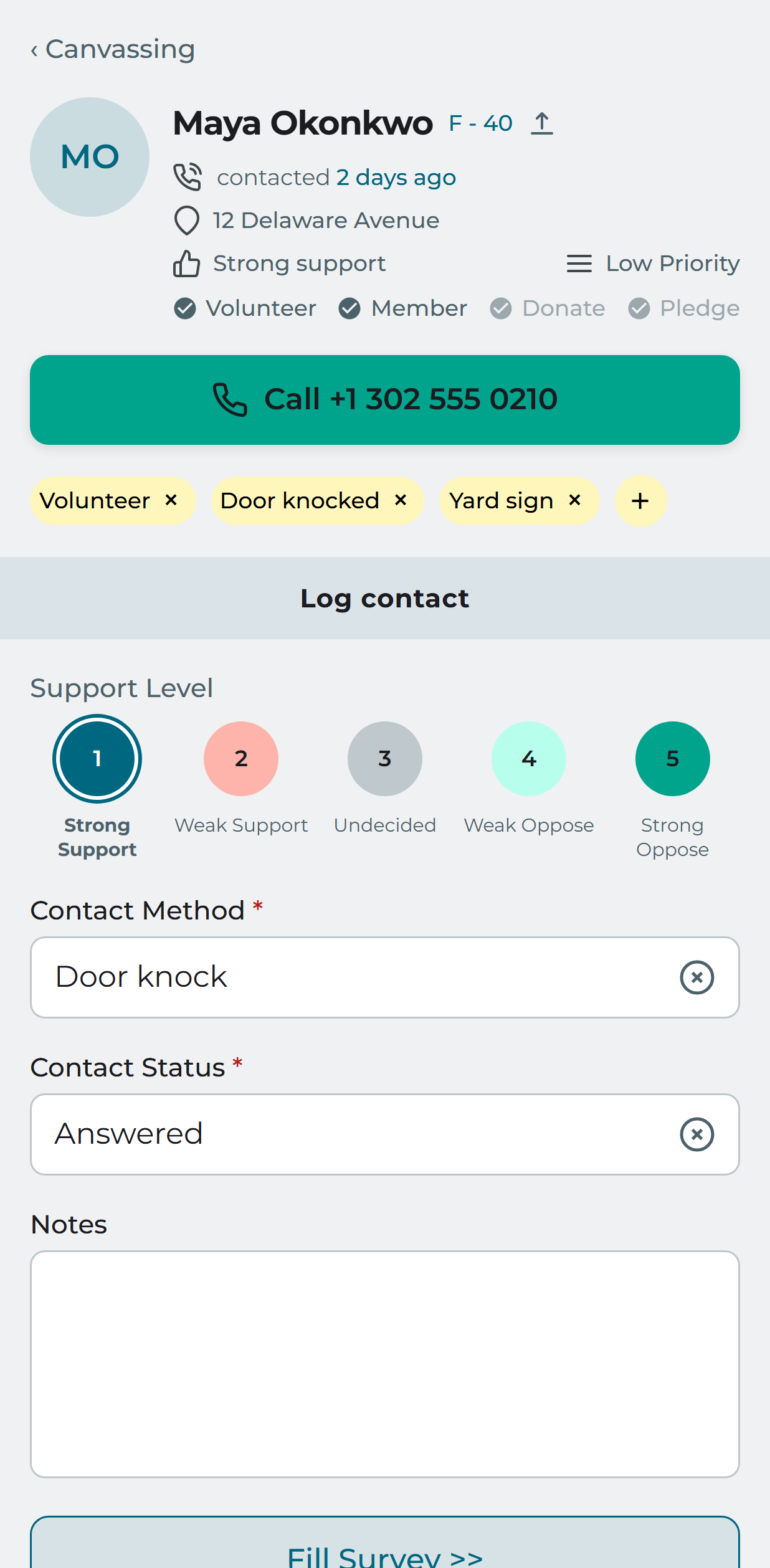
Tap somebody’s name to open the door form. Record support level, contact method, contact type and notes, and — where your permissions allow — answer a survey, RSVP them to an event or take a petition signature.
Household canvassing
Where several people share an address you can record them together instead of one at a time. From street view, open the street, then canvass the household as a group.