User actions
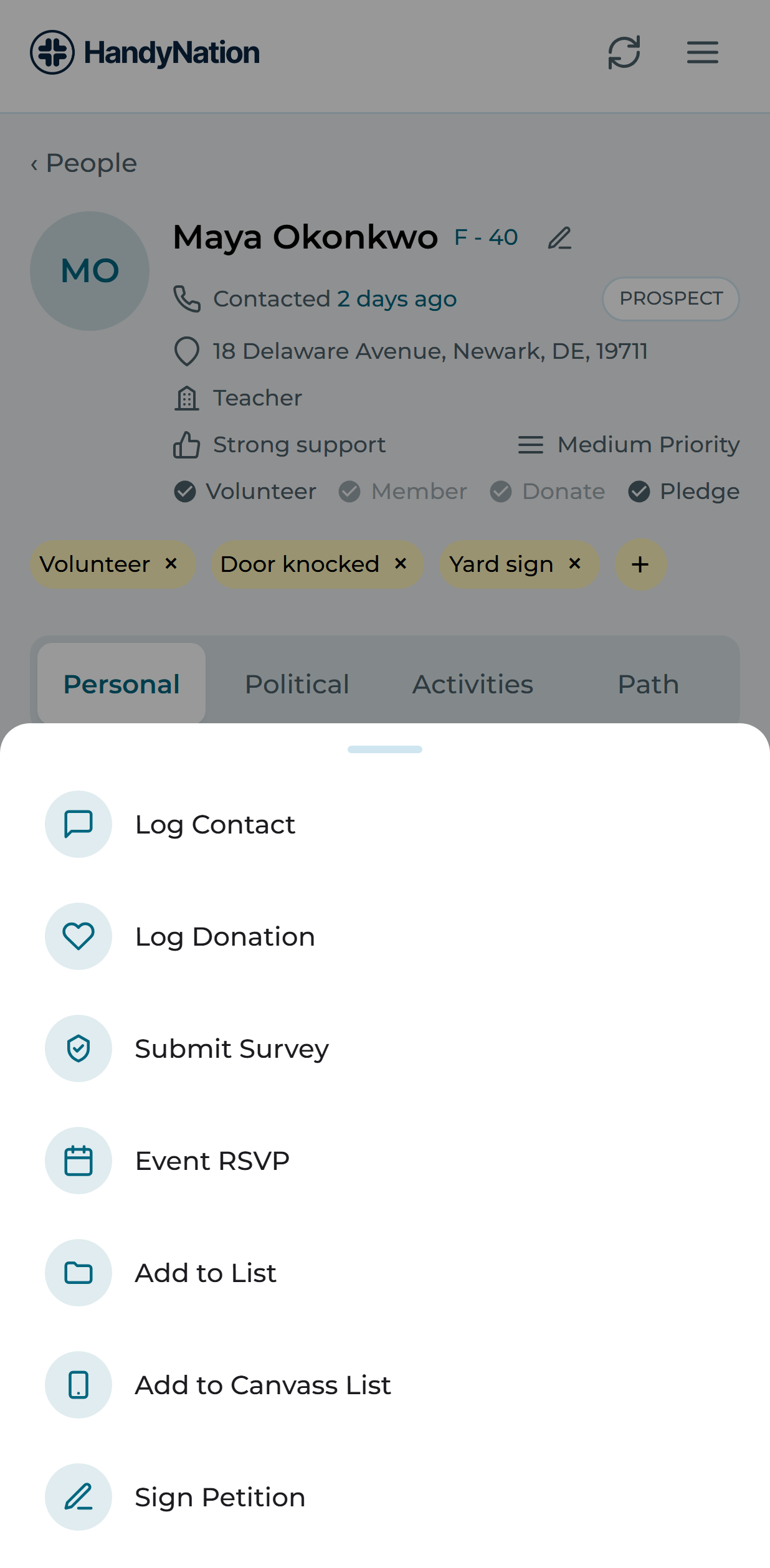
Every action below starts the same way: open a profile and use the action button at the bottom right, then pick what you want to do.
Log contact
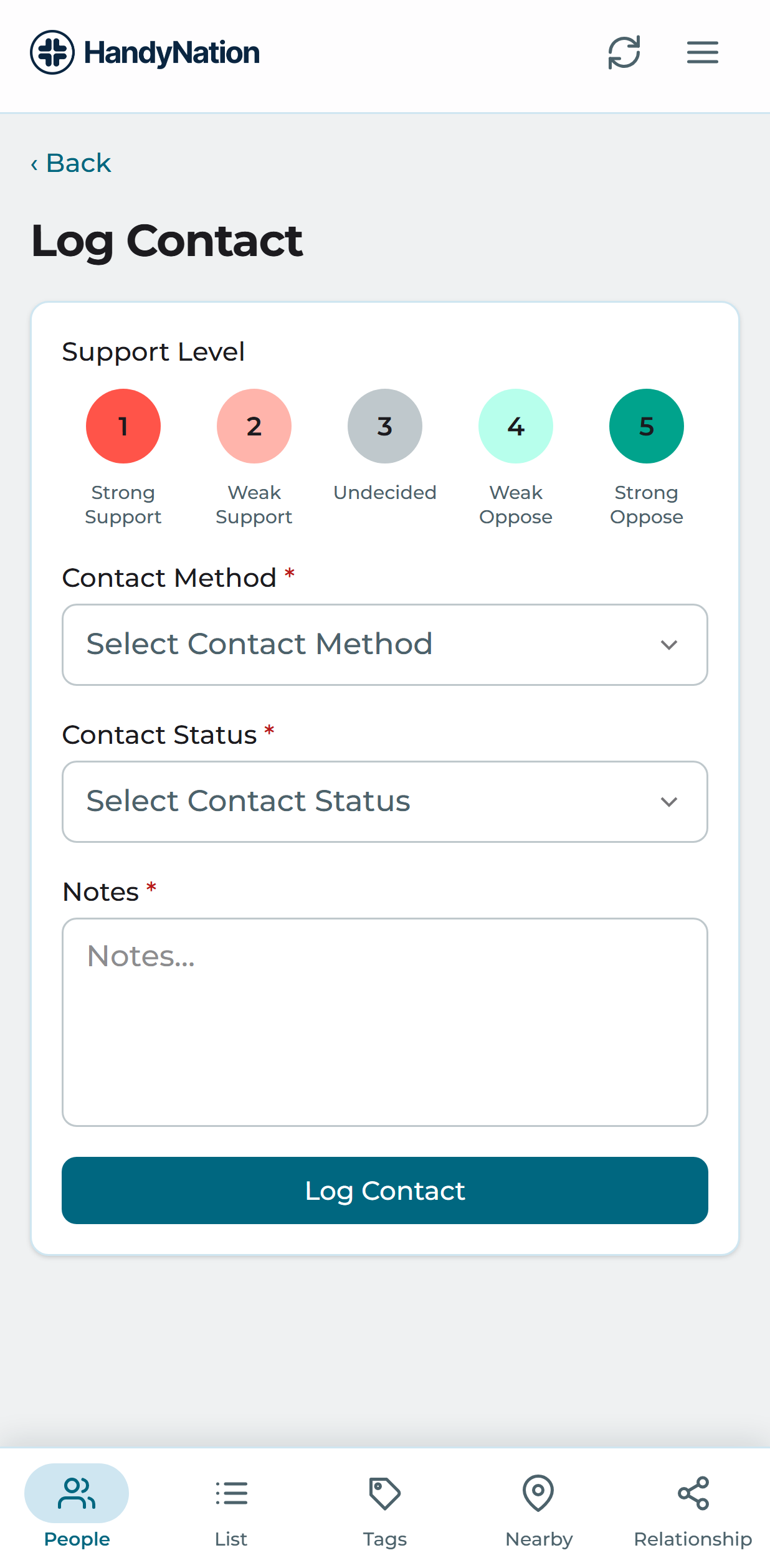
Choose Log Contact to open the contact form. Pick a contact method, type and status, add a note, then save. The result appears in the profile’s Activities tab.
Log donations
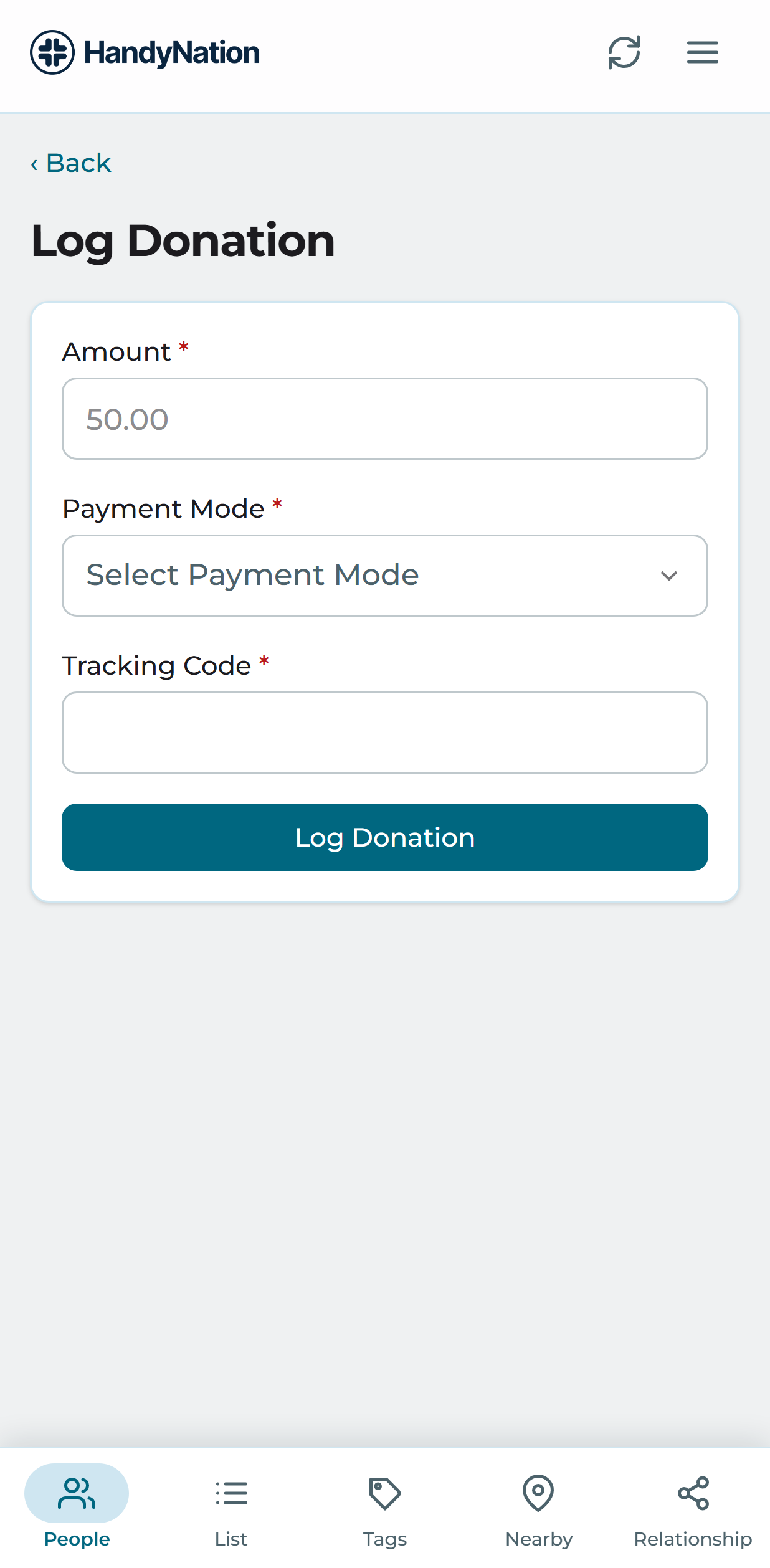
Choose Log Donation, enter the amount, pick the payment method and save.
Add user to NationBuilder list
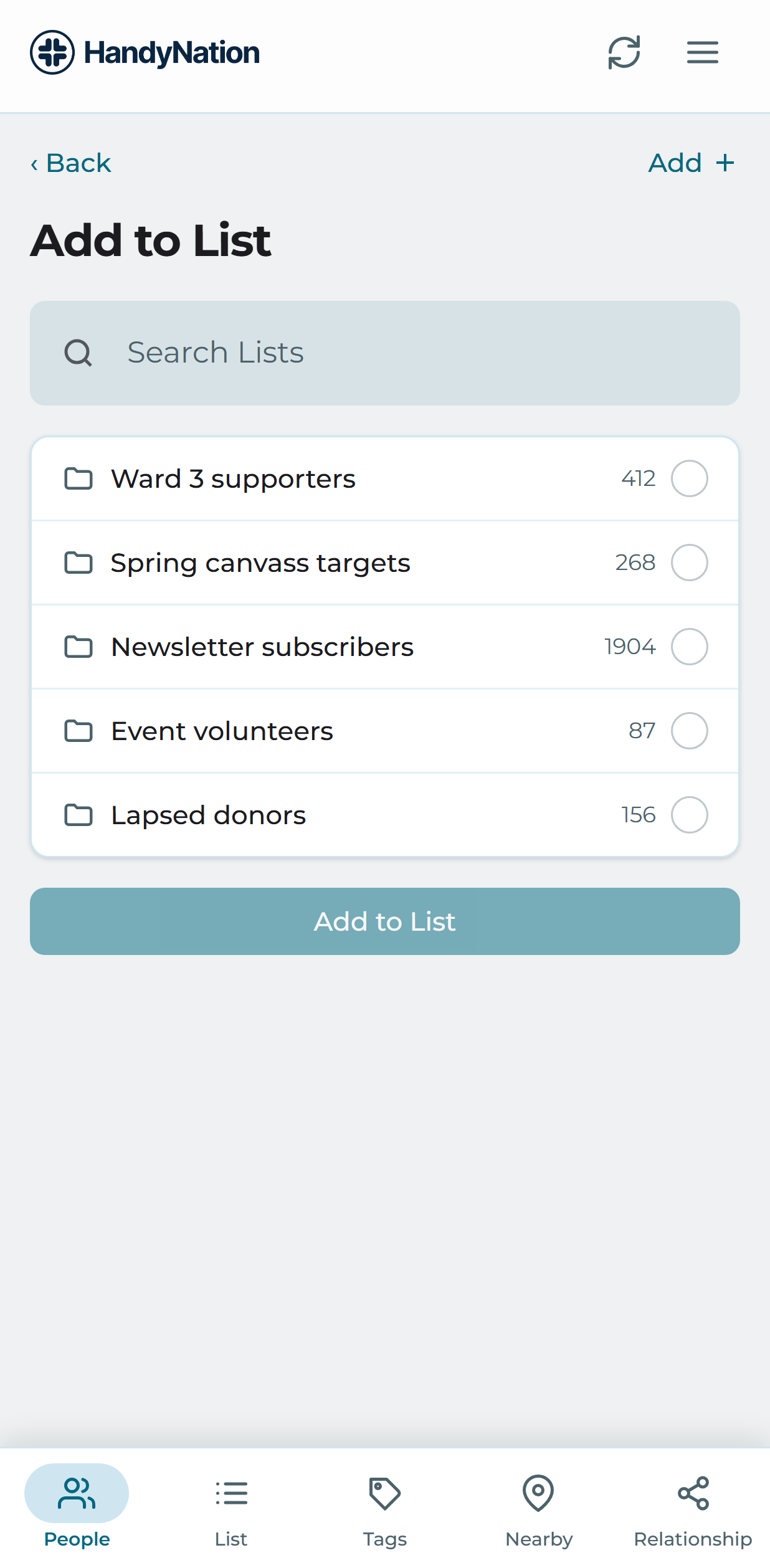
Choose Add to list, tick one or more lists and confirm. A new list can be created from the same screen.
Add user to Canvassing list
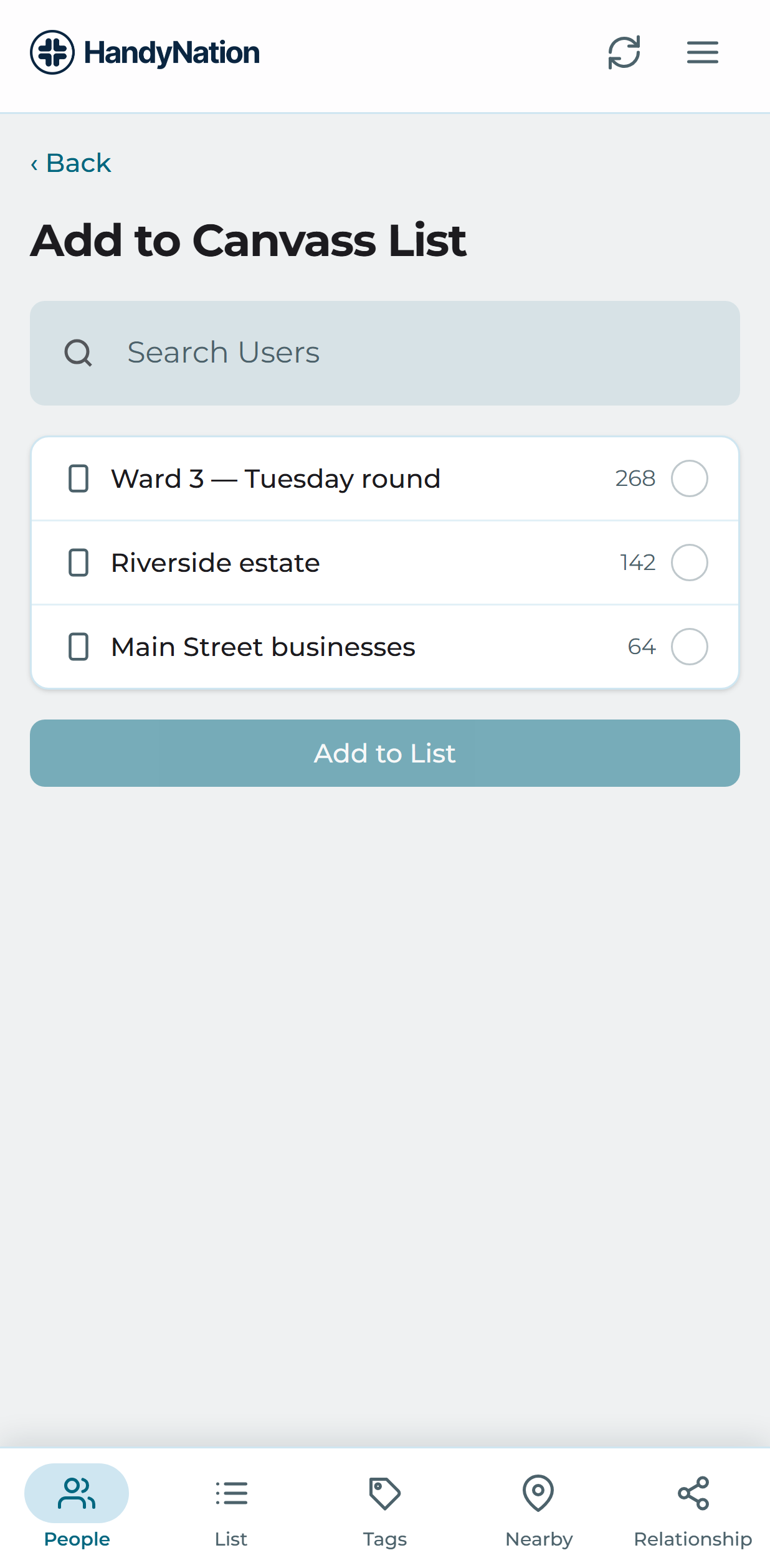
Choose Add to canvassing list to see the canvassing lists available to you, tick the ones you want and confirm. You can create a new canvassing list here too, giving it a name and a slug.
Sign petition
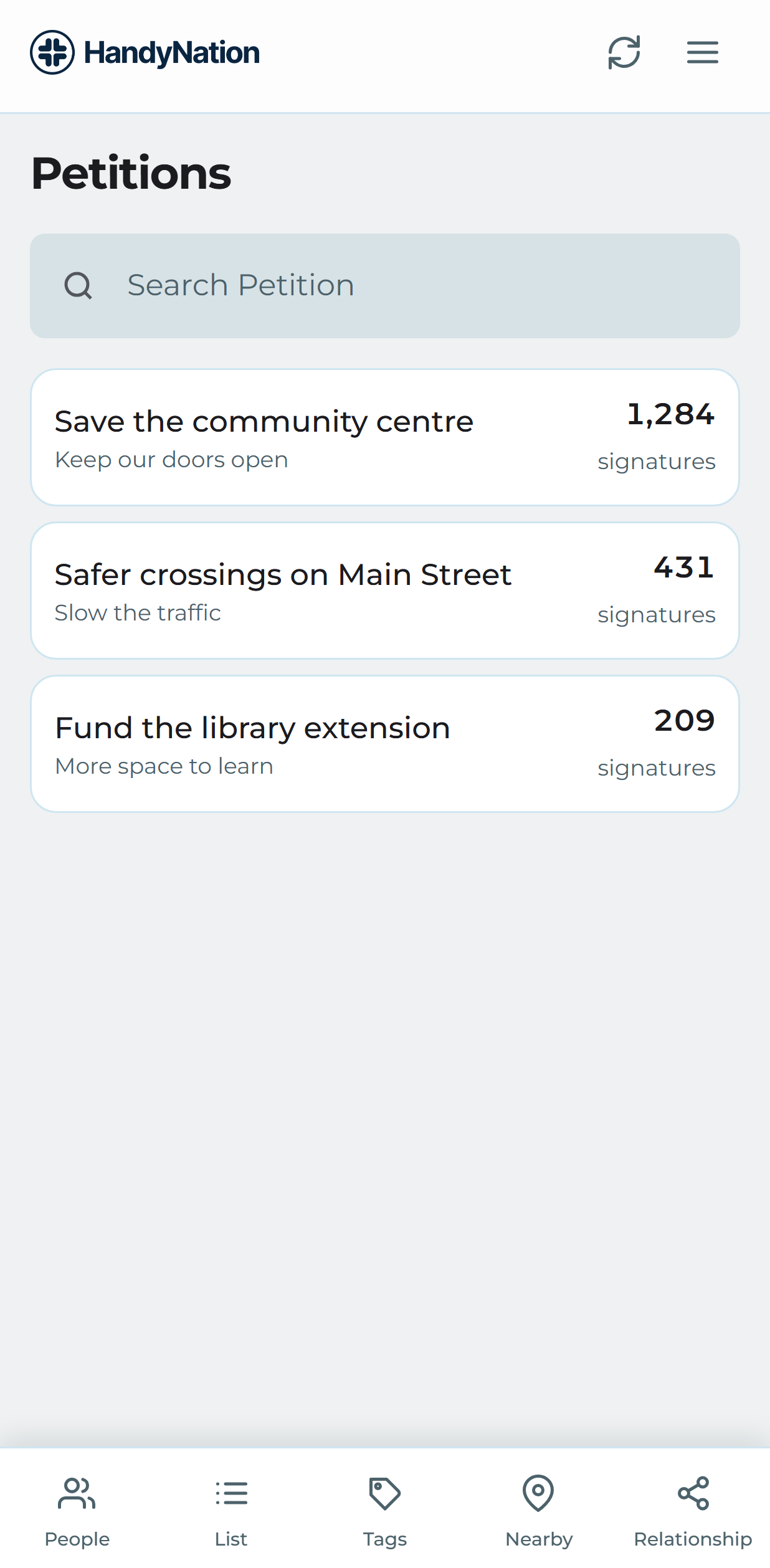
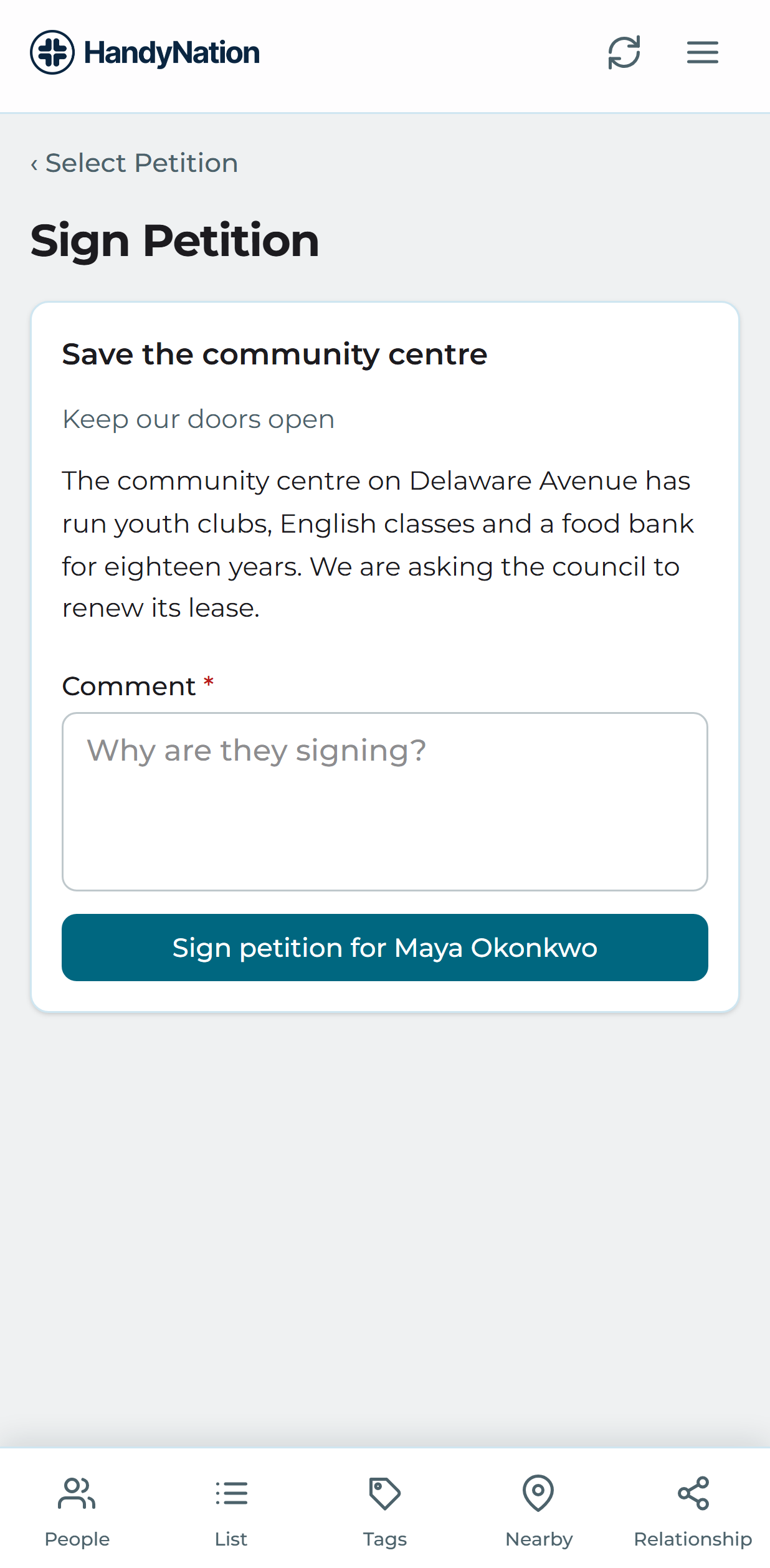
Choose Sign Petition to see your sites and the petitions under each. Open a petition to see how many people have signed, then sign on this person’s behalf.
RSVP to event
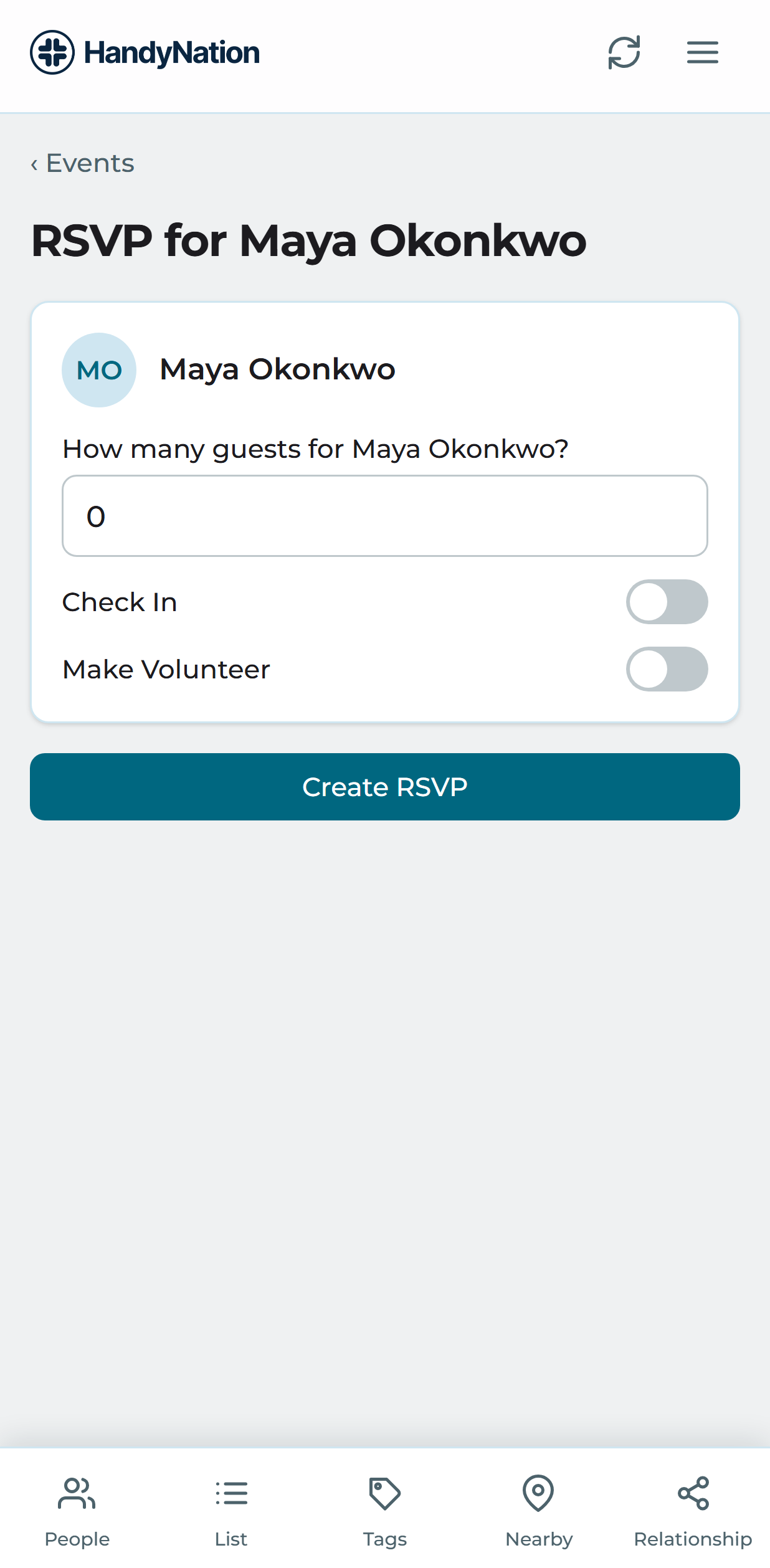
Choose Event RSVP, pick a site and then an event. Set the guest count, optionally mark them a volunteer or check them in, and confirm.
Record survey
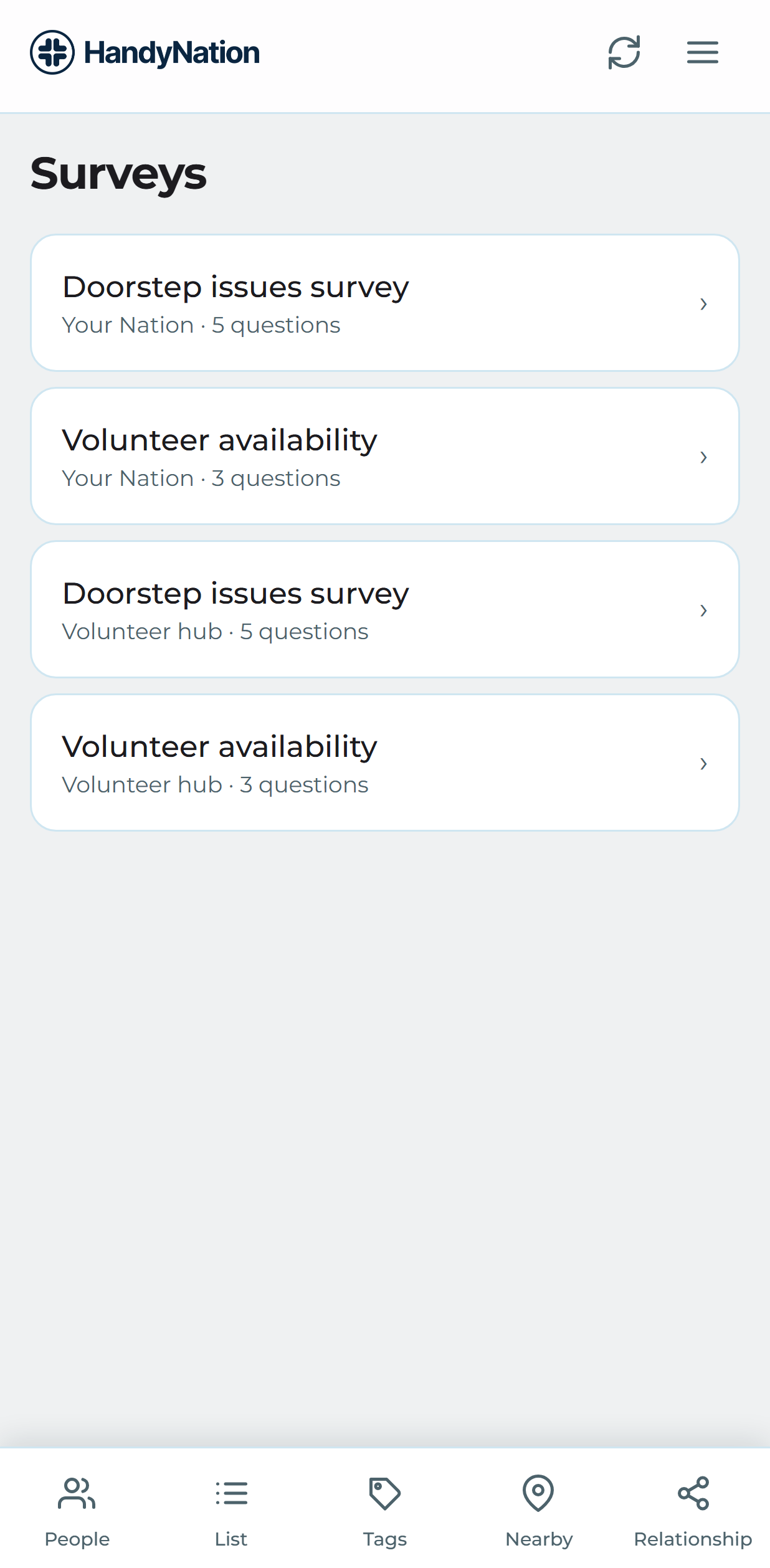
Choose Submit Survey, pick a site and a survey, answer the questions and submit.